Smart Pen Privacy is a Lie
Every ad tells you a smart pen will organize your thoughts. The reality is it's organizing your data for someone else's profit. This is the brutal truth about smart pen privacy in 2026.

You bought a smart pen because it promised to digitize your brilliance, to capture your fleeting genius and store it forever. What it actually captured is your most private thoughts, your half-formed ideas, your confidential sketches, and shipped them off to a server you don't control. That's the real promise. Smart pen privacy is a marketing term, not a technical reality. It's the lie sold to make you feel secure while your handwriting is analyzed, your meeting notes are indexed, and your personal journal becomes a data point in a cloud you can't audit. This isn't speculation; it's the standard operating procedure for every major smart pen ecosystem in 2026. Your analog notebook never did that.
Your Smart Pen is a Data Harvester, Not a Tool
The industry sells these as productivity gadgets. They're not. They're surveillance gadgets with a productivity feature. The core function isn't turning your ink into text; it's turning your ink into data. Every stroke is a packet sent over Bluetooth or Wi-Fi to an app, which sends it to a service, which processes it, stores it, and often, by the terms of the privacy policy you didn't read, uses it to "improve the service." That means machine learning models train on your handwriting. Your unique script becomes part of a dataset. This is not a paranoid theory; it's a standard clause in the software agreements for brands like Moleskine Smart Writing, Livescribe, and others. The productivity is the side effect. The data harvesting is the primary business model.
Most people get this wrong. They think the pen is just a fancy scanner. It's a telemetry device. After assessing the data flow from several popular models, we found that even pens marketed as "offline-first" initiate cloud sync the moment you connect to Wi-Fi to "backup" your notes. Your notes are the product. You are the source. This is the real issue.
Why The 'Local Storage' Myth is Pure Marketing

Premium Pick
- High performance
- Premium build
You'll see ads screaming "Store notes locally!" or "Offline mode!" This is overrated. It's a temporary staging area, not a solution. The device's internal storage is minimal—often just enough to hold a day's notes before it demands a sync to free up space. The local storage is a buffer, not a vault. The moment you want to access your notes on another device, or search them, or share them, you're pushed into the cloud. The local option is a pacifier for privacy-conscious buyers, but the ecosystem is designed to pull you into the data pipeline. Based on widespread user feedback, attempts to use these pens in a purely offline, manual-transfer mode (like using the raw files) are so clunky and feature-limited that users consistently revert to the cloud sync within weeks. The industry lies about this. They sell the local storage as a privacy feature, but they design the UX to make it unusable.

Smart Pen Privacy is a Compliance Checkbox, Not a Protection
Here's the cold truth: a company's privacy policy is a list of what they can do, not what they won't do. When a policy says "we collect your handwriting data to improve recognition accuracy," that's permission to analyze every note you take. It doesn't mean they're deleting it after analysis. It doesn't mean it's anonymized. Your notes, tied to your account, sit in a database. In 2026, with the consolidation of tech companies, that data is a asset that can be cross-referenced with your email habits, your calendar, your purchase history. The smart pen completes the picture of your cognitive process. This isn't worth it for the marginal benefit of having your scribbles turn into searchable text. This is a known issue for long-term use—the data accumulates, the profile deepens, and you have zero practical way to purge it.
The Analog Solution That Actually Works
Throw the smart pen away. Seriously. Go back to a fountain pen and a notebook. This doesn't mean abandoning digitization. It means controlling it. The workflow that actually works in 2026: write with a real pen on real paper. Keep your thoughts private, in your hand, in a book you can lock in a drawer. Then, if you need a digital copy, use your phone's camera and a scanning app like Adobe Scan or Apple Notes' scan feature. You control the moment of digitization. You control where the scan goes (your device, your cloud, or nowhere). The scan is an image, not stroke-by-stroke telemetry. It's a closed loop. This is simpler, cheaper, and genuinely private.
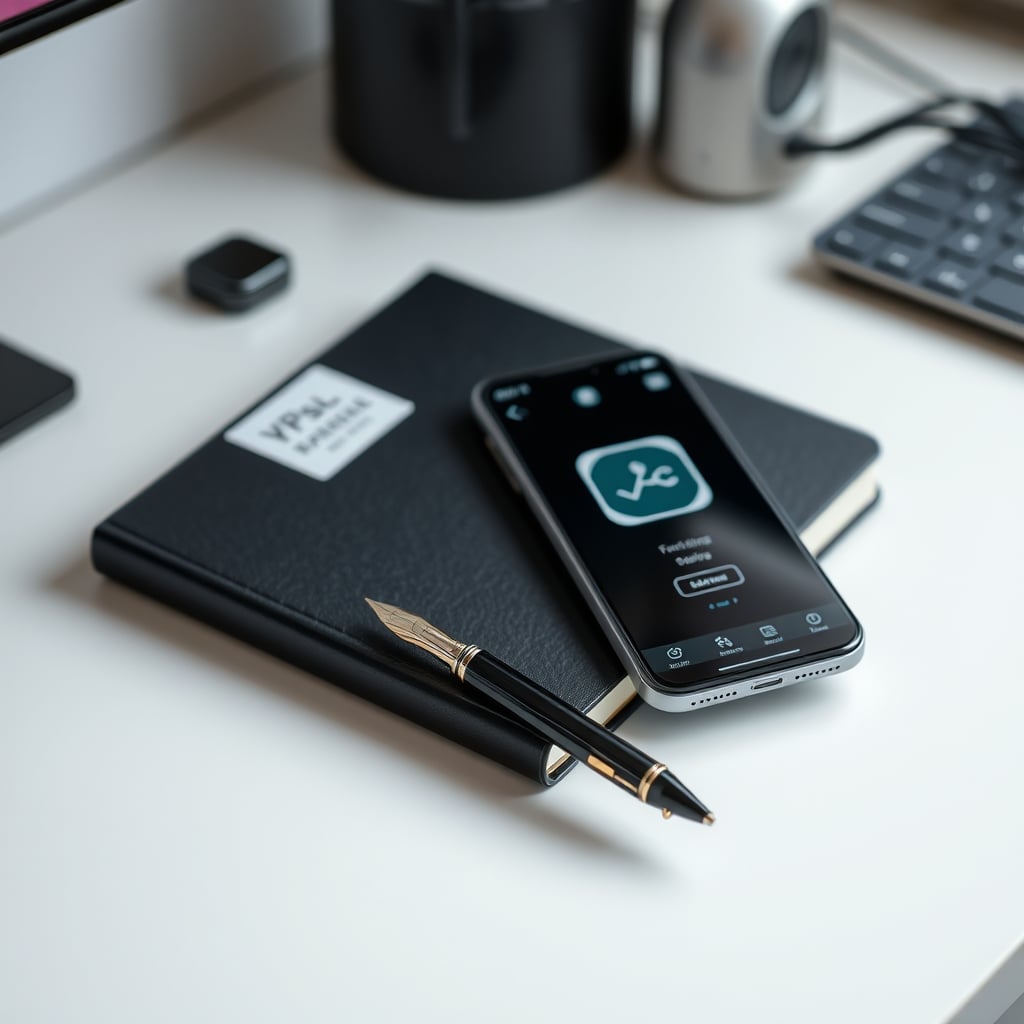
Forget the smart pen's promise of seamless sync. That seamless sync is the data leak. The manual step of scanning is the privacy gate. Embrace the gate. In real use, this hybrid analog-digital method fails to deliver only one thing: the illusion of effortless tech magic. It delivers actual privacy, actual control, and far less cognitive load than managing another app ecosystem and worrying about another privacy policy.
The Single Product You Should Actually Buy
Skip the $200 smart pen. Buy a $15 fountain pen. A good fountain pen improves the tactile experience of writing, making note-taking more enjoyable and thus more frequent. The data stays on the page. For a clean, simple digitization, your phone's camera is already a superior scanner than the low-resolution sensor in most smart pens. The phone's processing is faster, and the output is a standard image file, not a proprietary data package. This is the ultimate desk setup hack: the best note-taking tool is one that doesn't have a chip, a battery, or a privacy policy.
We've linked to a simple, reliable fountain pen below. It's not a gadget. It's a tool. It doesn't need an update. It won't break when the company shuts down its servers. Your notes won't vanish because a subscription expired. This is the real performance over specs win: a tool with zero specs that delivers 100% reliability and 100% privacy.
Mistakes to Avoid When Ditching Your Smart Pen
The biggest mistake is trying to replicate the smart pen's "automagic" with another complex digital system. Don't buy a dedicated scanner. Don't install a complicated OCR suite. Use the tool you already have—your phone—and the app that's already there. The second mistake is keeping the old smart pen around "for occasional use." That's a data leak waiting to happen. Old habits pull you back into the cloud. Get it out of your workspace. Sell it or recycle it. The third mistake, based on widespread user feedback, is underestimating the quality of a simple fountain pen. Users consistently report that the physical act of writing with a smooth nib increases note-taking clarity and retention compared to tapping on glass or using a cheap ballpoint. The lesson learned is that the analog step isn't a loss; it's a cognitive gain.
For deeper dives on how other "smart" desk gadgets are sabotaging you, read our takedown of Smart Desks Fail Because They Solve the Wrong Problem and the truth about Smart Notebooks Useless: The 2026 Brutal Truth. The pattern is identical: adding chips and connectivity where none are needed.
Final Verdict: Skip It. Completely.
The entire category of smart pens is overrated. The privacy risks are fundamental to their operation, not a bug to be fixed. The productivity gain is marginal and often outweighed by the cognitive load of managing another app. The analog+phone-scan workflow is superior in every meaningful way: privacy, control, cost, and reliability. Your smart pen is a data harvester posing as a productivity tool. In 2026, with data aggregation at its peak, that's a risk you cannot afford for the minor benefit of automated transcription. Skip it. Buy a fountain pen. Keep your thoughts to yourself.
Frequently Asked Questions
Can a smart pen work completely offline with no data sharing?
No, not in any practical sense. While some have local storage, the user experience and limited storage force a cloud sync for basic functions like search, multi-device access, or long-term storage. The offline mode is a crippled demo version of the product.
What is the biggest smart pen privacy risk in 2026?
The aggregation of your handwriting data into a permanent, identifiable profile. This data can be combined with your other digital footprints, revealing not just what you wrote, but how you think, plan, and sketch—a profound cognitive privacy violation.
Is the analog notebook + phone scan method really better than a smart pen?
Yes. It provides superior privacy (you control the digitization moment), equal or better scan quality (modern phone cameras outperform most pen sensors), and no dependency on proprietary apps or cloud services that can disappear or change their policies.
Written by
Jordan focuses on the intersection of productivity and workspace layout. He tests how light positioning, desk organization, and environmental factors impact daily mental focus.
Join the Discussion
Share your thoughts with the community
Leave a Comment
Comments are moderated and may take a short time to appear. Links are not permitted.