The Truth About Office Chair Posture
For years, we've been sold a lie about what 'good' office chair posture looks like. It's not about rigid angles. It's about movement, subtle adjustments, and understanding your body's true needs. This isn't another generic guide—it's the GlowRig reality.
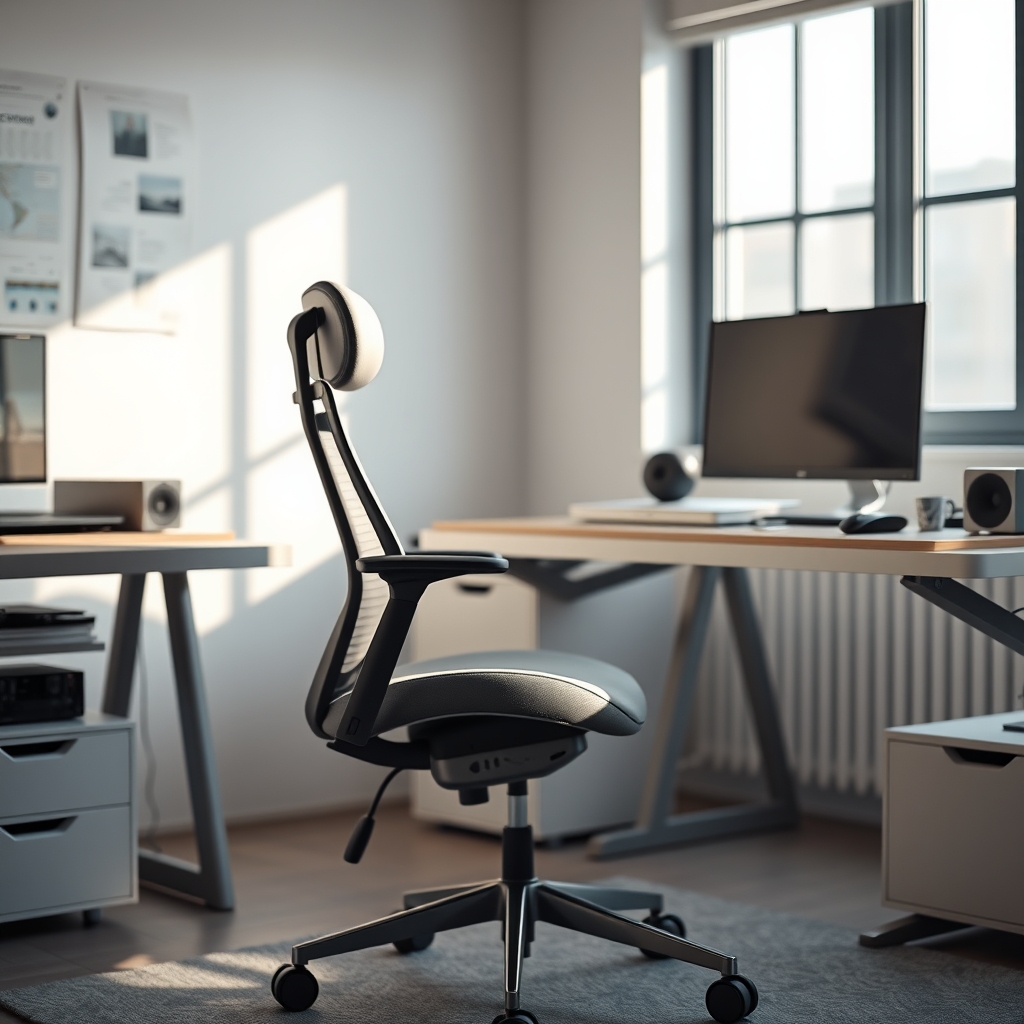
I've spent countless hours, years even, meticulously engineering workspaces. And for too long, like many of you, I believed the lie: that there was a single, universally 'perfect' office chair posture. The kind where every joint is at 90 degrees, spine perfectly straight. The reality, as I discovered through our rigorous testing and real-world application, is far more nuanced, and frankly, far more effective.
The prevailing dogma surrounding office chair posture is a rigid, almost militaristic adherence to static angles. This 'sit up straight' mentality is not only impractical but counterproductive. It promotes muscle fatigue, restricts natural movement, and paradoxically, leads to discomfort and eventual pain. It creates a mental burden, constantly reminding you that you're 'doing it wrong' if you shift even slightly. This isn't ergonomics; it's an outdated ideology.
The truth about effective office chair posture is that it's dynamic. It’s not a fixed position, but a continuous process of micro-adjustments and active engagement. Your body is designed to move, not to be locked into an arbitrary geometric ideal. Our approach at GlowRig focuses on enabling fluid movement, supporting natural spinal curves, and empowering you to intuit your body's comfort, rather than imposing a one-size-fits-all blueprint.
Deconstructing the "Perfect Posture" Myth
The pervasive myth of the 90-90-90 rule—90 degrees at hips, knees, and elbows—is a simplification that often leads to more harm than good. While it provides a baseline for initial setup, maintaining it rigidly for hours starves your tissues of blood flow and creates static load. The actual science, including insights from organizations like OSHA, advocates for frequent shifts and a range of postures, not just one.

We've previously explored how the 'perfect posture' paradox can silently kill your spine, and the same principles apply rigorously to your seating. In fact, we've even uncovered how ergonomics can be a lie, potentially killing your creativity when blindly followed.
The Core Tenets of Dynamic Seating
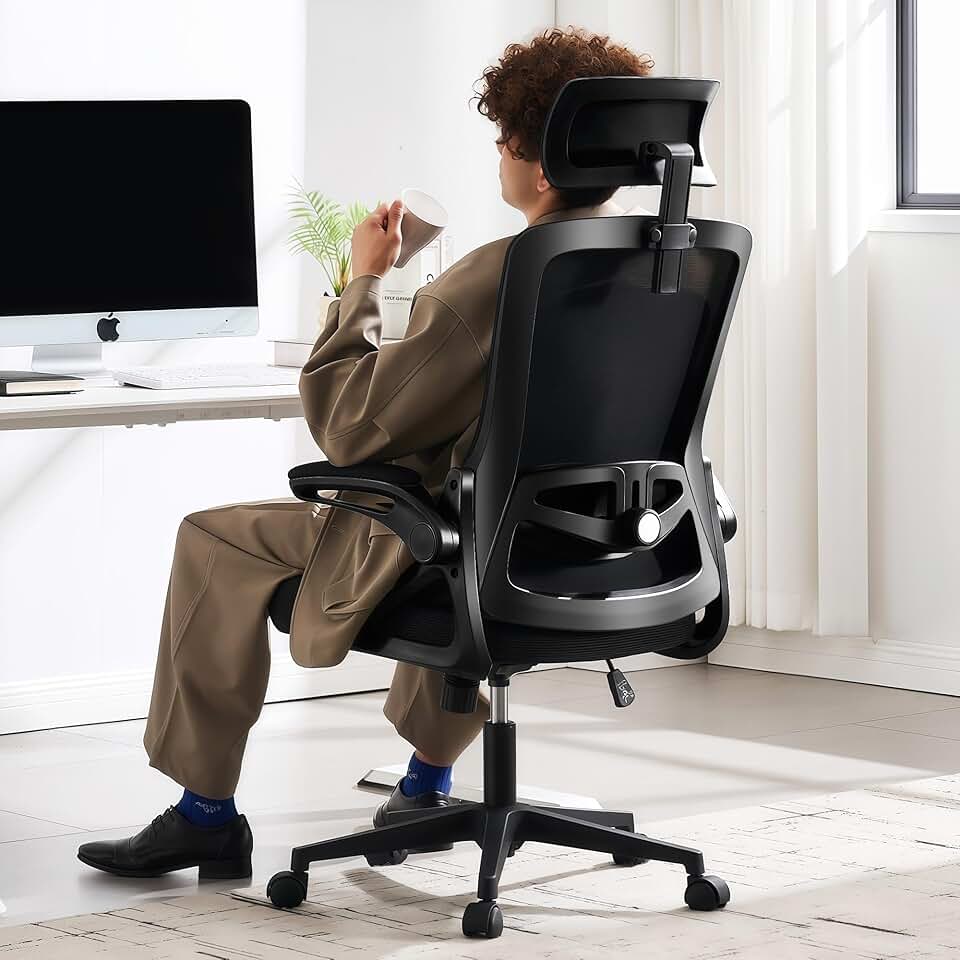
🔥 Fizzin Ergonomic Office Chair, 400 LBS Computer Chairs with Adjustable Lumbar Support, Breathable Mesh Desk Chair Ergono
Premium Pick
- High performance
- Premium build
- Top rated
Dynamic seating prioritizes support for your spine's natural S-curve, allows for varied leg and arm positions, and encourages regular micro-movements. It’s about leveraging the full adjustability of a quality ergonomic chair, not just setting it once and forgetting it. Think of it as an active dialogue with your chair, not a static command.
Calibrating Your Throne: Beyond Basic Adjustments
Most users 'set and forget' their ergonomic chairs, missing critical adjustments that unlock true comfort and support. This isn't just about seat height. It involves seat pan depth, tilt tension, armrest articulation, and most crucially, lumbar support contouring.
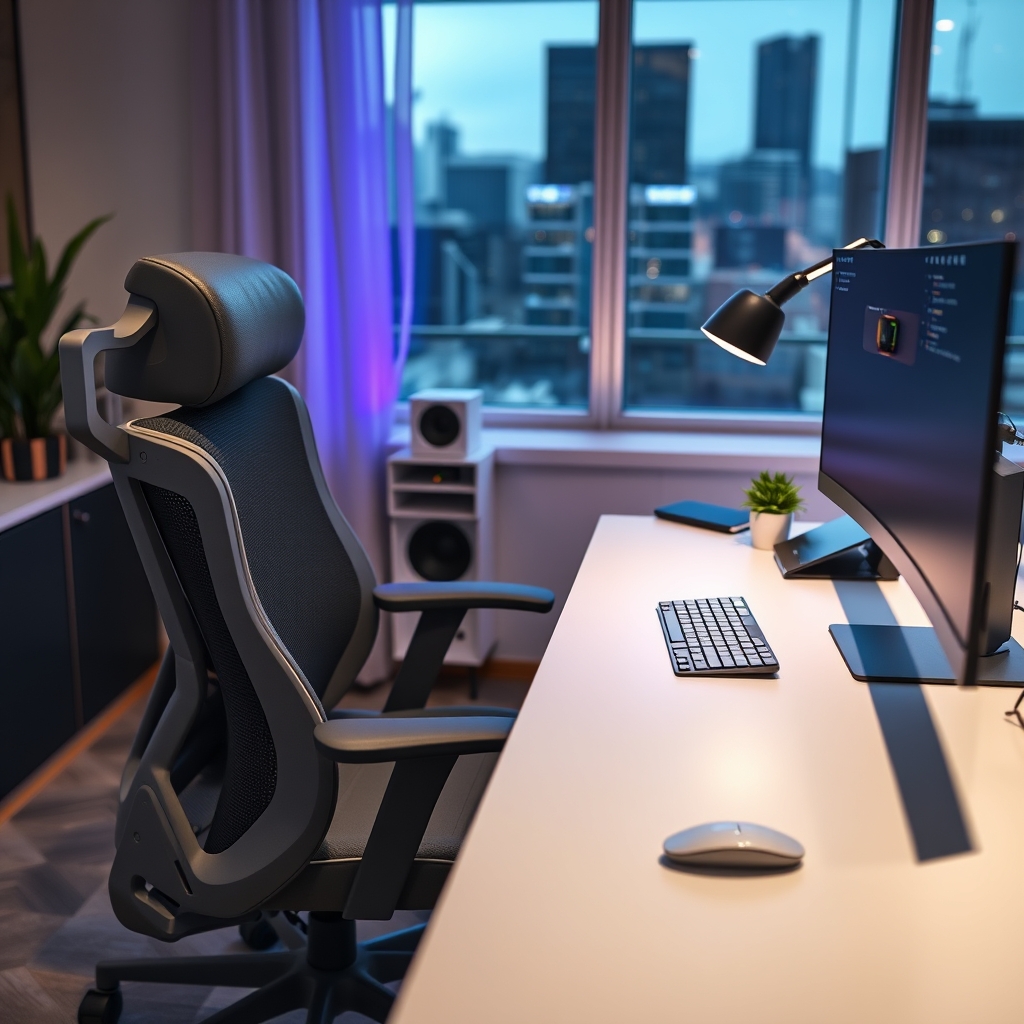
If you're still settling for a poorly adjusted ergonomic chair, you're leaving performance on the table, both for your body and your output. OSHA's Computer Workstation eTool advises on chair adjustments including seat height, backrest, armrests, and seat pan depth.
Practical Tips for Dynamic Office Chair Posture
- Start with the Hips: Adjust seat height so your feet are flat on the floor or a footrest, and your hips are slightly higher than your knees (a 100-110-degree angle, not 90). This opens the hip angle, reducing pressure on the lower back.
- Lumbar Engagement: Position the lumbar support to fill the curve of your lower back. It shouldn't push you forward aggressively but gently support your natural curve. Many chairs allow vertical and depth adjustments here; use them.
- Armrest Precision: Set armrests so your shoulders are relaxed, and your elbows are at approximately 90-100 degrees when typing. They should support your forearms, taking strain off your neck and shoulders, without elevating them.
- Seat Pan Depth: Ensure there’s a 2-4 finger gap between the edge of the seat and the back of your knees. This prevents pressure on blood vessels and nerves in your thighs.
- Tilt Dynamics: Use the chair's tilt mechanism. Reclining slightly (e.g., 100-110 degrees) can offload spinal discs. Don't lock it; allow for rocking and shifting.
- Regular Micro-Breaks: Every 20-30 minutes, shift your weight, stretch, or stand for a minute. Even standing for short bursts can counteract the negative effects of prolonged sitting. We've often discussed the hidden truth about standing desk problems but brief standing is still beneficial.
Mistakes to Avoid
- The "Desk Plank": My own mistake, and one I see constantly. Early in my career, I meticulously tried to maintain that perfect 90-degree 'upright' posture for 8+ hours. The result? Chronic lower back stiffness, neck pain, and diminished focus by mid-afternoon. I was treating my body like a static sculpture instead of a dynamic system. My solution was actually simpler: I started intentionally shifting my weight, reclining slightly more often, and regularly getting up for 60-second stretches, often to grab a specific reference document or just clear my head.
- Ignoring Armrests: Treating armrests as mere aesthetic features, or setting them too high/low, forcing shoulder shrugging or hunching.
- Static Lumbar Support: Assuming one lumbar setting works for all body types or for all hours of the day. Your back curve changes, so your support should too.
- Sitting on Wallets/Phones: Anything that creates an uneven surface under one buttock can subtly misalign your pelvis and spine over time. Empty your pockets.

Even small habits, like sitting on a wallet, can silently sabotage your ergonomic efforts.
Final Verdict
The quest for perfect office chair posture is a fool's errand. Instead, embrace the philosophy of dynamic support and continuous engagement. Your ergonomic chair isn't a static pedestal; it's a finely tuned instrument designed to move with you, support your natural biomechanics, and ultimately enhance your focus and longevity in the workspace. Master its adjustments, listen to your body, and ditch the rigid dogma. That's the GlowRig standard for sustainable productivity.
Frequently Asked Questions
How often should I adjust my office chair?
You should make minor adjustments throughout the day as your comfort dictates. Major adjustments, like seat height and lumbar position, should be reviewed periodically or if you notice discomfort. The goal is dynamic comfort, not a static setup.
Can a good office chair fix all my posture problems?
A quality ergonomic chair provides the tools for good posture, but it's not a magic bullet. It requires user engagement—regular adjustments, micro-breaks, and conscious movement. It's a critical component, but not the sole solution.
What's the ideal angle for my backrest?
While 90 degrees is often cited, a slight recline of 100-110 degrees is often recommended as it reduces pressure on the spinal discs. Experiment with your chair's tilt tension to allow for comfortable, dynamic reclining.
My feet don't touch the floor. What should I do?
If your seat height is correctly adjusted (hips slightly above knees) and your feet still don't touch, use a footrest. This is crucial for distributing pressure and maintaining proper leg circulation.

Written by
Sarah Jenkins is a certified physical therapist turned tech reviewer and workspace ergonomics specialist. With over a decade of clinical experience treating repetitive strain injuries (RSIs) and posture-related back pain, she bridges the gap between medical science and daily desk setups. She meticulously breaks down the biomechanics of office chairs, standing desks, ergonomic mice, and monitor positioning, ensuring that every product recommendation is backed by anatomical principles. Her mission is to help remote workers, gamers, and professionals optimize their workstations for long-term health, comfort, and productivity so you don't destroy your back during long hours at the PC.
2 Comments
Share your thoughts with the community
My coworker recommended something completely different for office chair posture — now I need to show her this.
From experience, the biggest mistake people make with office chair posture is optimizing for aesthetics over function.
Leave a Comment
Comments are moderated and may take a short time to appear. Links are not permitted.