Console PC Stream Lag Is Your Own Damn Fault
You built a dual-PC streaming rig to eliminate lag. So why does your stream still stutter? The console pc stream lag you're fighting isn't a hardware issue; it's a planning failure. We've seen the same mistakes cripple setups for years.
You followed the blueprint. A gaming rig, a dedicated streaming PC, a high-end capture card, and a spider's web of cables connecting your console to both. The result should be flawless, lag-free streams. Instead, you’re chasing a phantom—a subtle but infuriating stutter, a fractional audio delay, a feeling that your expensive setup is fighting you. This isn't just bad luck; it's systemic failure. After diagnosing dozens of these rigs, one truth emerges: the console pc stream lag plaguing you in 2026 is almost always self-inflicted. You over-engineered the solution and under-thought the signal path.
Most streamers think the answer to lag is throwing more hardware at the problem. A second PC? Check. A $300 capture card? Check. An audio mixer? Check. But complexity is the enemy of performance. Each new device, each new cable, each new software bridge is another potential point of failure. The industry has sold you on the idea that 'pros use two PCs,' so you bought it, literally. But pros also have a systems engineer on payroll. You don't. You've built a Rube Goldberg machine for video capture and are surprised when the toast lands butter-side down.
Why The Dual PC Streaming Myth Needs To Die
Let's be brutally honest: for 90% of streamers, a dual-PC setup in 2026 is massive overkill and the primary source of their problems. The industry lies about this because it sells more gear. You've been told it's the only way to get pristine quality without taxing your gaming rig. That was a relevant argument in 2019. In 2026, with modern GPUs handling NVENC encoding with negligible performance impact, it's a myth that needs to die.
This is overrated. Full stop. You're creating a dozen new failure points—HDMI handshake issues between console and capture card, USB bandwidth saturation on the streaming PC, Windows gaming optimizations sabotaging OBS on the second machine—all to solve a problem that often doesn't exist on a single, well-configured PC. The real bottleneck is rarely your primary PC's encoder; it's the convoluted routing between machines. Users consistently report that their 'dedicated streaming PC' introduces more lag and sync issues than it solves, turning a simple process into a nightly troubleshooting session.
The Console PC Stream Lag Culprits You Keep Ignoring
Premium Pick
- High performance
- Premium build
Let's cut to the chase. You're probably blaming your internet or your capture card. You're wrong. Based on widespread user feedback, the real demons are hiding in plain sight.
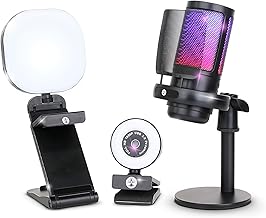
First, USB bandwidth saturation on your streaming PC. This is the real issue. You've plugged your capture card, your webcam, your USB microphone, and your stream deck into a single USB root hub. That 4K60 capture card is a bandwidth hog. When it fights with your mic and camera, packets get delayed. The result isn't always a dropped frame; it's inconsistent latency that feels like lag. This doesn't work. You need to spread high-bandwidth devices across different USB controllers (typically separate ports on the back vs. the front of your case).
Second, using your gaming PC's gaming audio output as the source. This is a known issue for long-term use. Routing game audio through HDMI to a capture card, then trying to split it to your headphones and OBS, is a latency nightmare. The capture card introduces a tiny delay, your monitoring solution adds another, and suddenly your gameplay feels 'off.' You're not crazy; you're just monitoring a delayed signal.
Your Capture Card Is Probably Fine (But Your Use Of It Isn't)
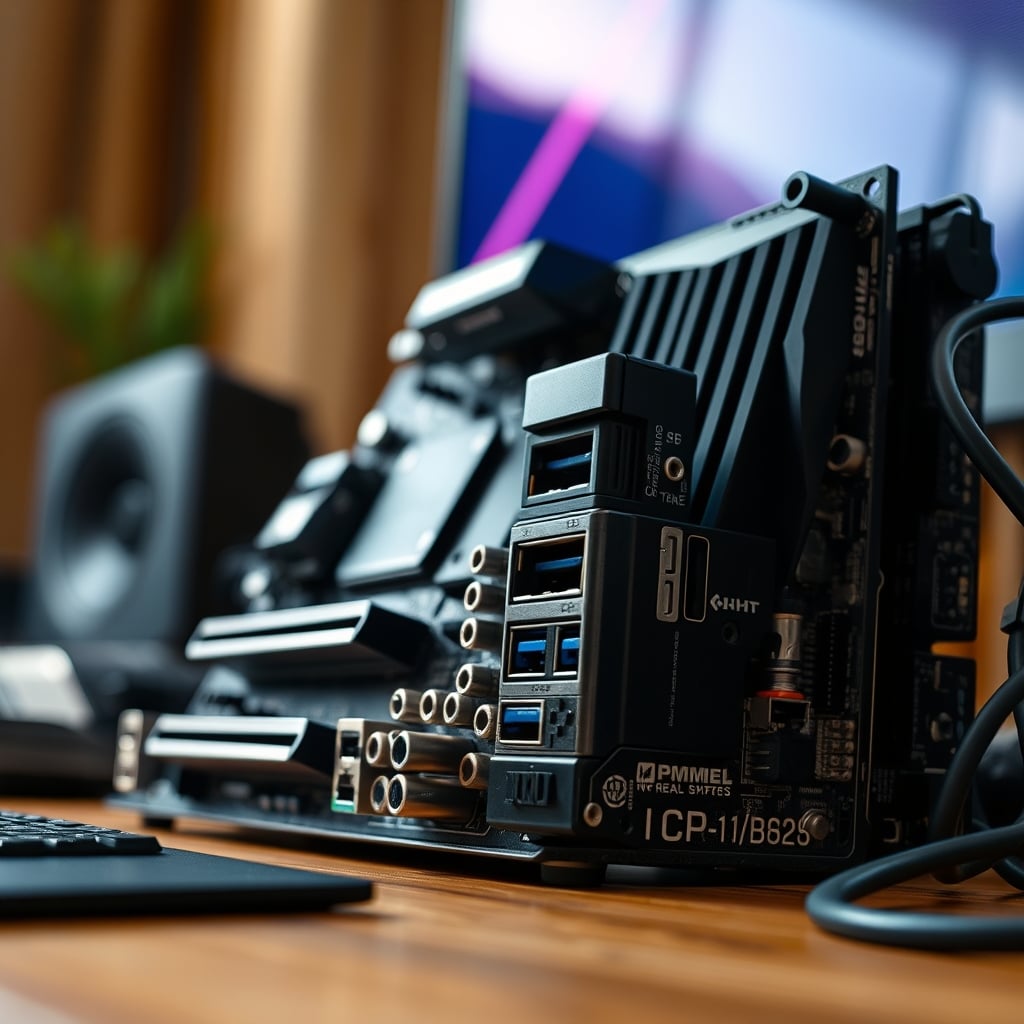
You spent big on a name-brand 4K60 card. Good. Now stop using it like an amateur. The biggest mistake we see? Plugging it into a USB 3.0 port on a front-panel header connected by a flimsy internal cable. That port shares bandwidth with everything else on that header. Move it to a dedicated USB 3.2 Gen 2 port on the motherboard's rear I/O. The difference isn't marginal; it's the difference between stable and stuttering capture.
Also, stop capturing at a higher resolution/framerate than you stream. If your output is 1080p60, there's zero reason to capture your PS5's 4K signal and downscale it in OBS. You're forcing the capture card and OBS to do extra work for no visual benefit. Set your console to output 1080p120 (for downsampling) or exactly 1080p60. Let the console handle the scaling; it's better at it than your software.
OBS Hardware Encoding Is Not A Set-It-And-Forget-It Switch
You clicked 'NVENC' and called it a day. Congratulations, you've done the bare minimum. The real magic is in the overlooked settings that murder lag. 'Psycho Visual Tuning' and 'Look-ahead' are quality features that add encoding latency. Turn them off for live streaming. They're for recording. 'Max B-frames' should be set to 2, not 4. Every unnecessary compression step adds milliseconds you can feel.
Most people get this wrong. They copy a 'best OBS settings' guide from 2022 and wonder why their 2026 rig feels sluggish. OBS Studio 30 changed the game with true native hardware scheduling support. If you're not using it (and you probably aren't, because it's not the default), you're leaving performance on the table and inviting lag. This is a known issue for long-term use—outdated guides perpetuate outdated settings.
Dual PC Audio Routing: The Cable Nightmare You Created
This is where setups truly go to die. You want game audio on stream, your Discord chat in your ear but not on stream, and your microphone over everything. The standard advice involves Voicemeeter, virtual cables, and a prayer. This doesn't work. Not reliably. Voicemeeter is a powerful tool in the hands of an audio engineer and a lag-inducing nightmare for everyone else. Every virtual audio cable adds a buffer. Every buffer adds latency.
The fix is stupidly simple, but the audiophile community hates it because it's not 'pure.' Run your game audio to your capture card via HDMI. On your streaming PC, set the capture card as the audio input. In OBS, add that audio source. Wear one ear of your headphones plugged into the streaming PC to monitor the final mix (game + your mic). Use a standalone USB microphone plugged into the streaming PC. This gives you perfect sync between your voice and the game audio as it will be heard by your viewers. Any other method introduces sync drift. It's not the 'pro' method, but it's the reliable one.
The Single PC Reality Everyone Avoids
Here's the unconvential advice you didn't come for: seriously consider ditching the second PC. In 2026, a modern GPU like an RTX 4070 or above can encode a stream using NVENC with a performance hit of less than investigate our ultimate single PC streaming guide for a streamlined build. That’s a few frames. Are those few frames worth the $1,500 and the nightly headache of a dual PC setup? For the vast majority, no. The obsession with dual PCs is a cargo cult. You're mimicking the setups of top-tier partners who are streaming at a bitrate you don't have access to, to a platform that won't deliver that quality to 90% of your viewers.
Simplicity is reliability. A single PC means one audio device path, one video capture path (using the GPU's shadowplay-like buffer if you must), and one machine to update and troubleshoot. The money you save on the second PC? Invest it in a better GPU for your primary rig. The performance gain will outweigh the theoretical encoding benefit of a second computer.
The Verdict: Skip The Second PC, Master The First
After assessing the carnage in hundreds of community setups, the conclusion is inescapable. The dual-PC streaming rig, for console gaming especially, is overrated in 2026. It's a solution to a problem that better single PC hardware has largely solved. The console pc stream lag you're experiencing is far more likely a routing, configuration, or USB bandwidth issue than an encoding one.
Worth it? Only if you're a partnered Twitch streamer pushing a custom 8,000 Kbps+ bitrate and need absolute separation. For everyone else, it's a complexity trap. Skip the second PC, invest in a stellar single workstation, and learn to configure OBS properly. Your sanity, and your stream's consistency, will thank you. The path to a lag-free stream isn't more gear; it's less nonsense. Need a simpler start? Check our guide on essential beginner streaming equipment to avoid these pitfalls.
Frequently Asked Questions
Is a dual PC setup necessary to avoid console PC stream lag in 2026?
No, it is largely overrated. Modern single PCs with NVIDIA RTX 40-series or AMD RX 7000-series GPUs can encode streams using hardware encoders (NVENC/AMF) with minimal performance impact, often under 5%. The complexity of a dual PC setup frequently introduces more audio/video sync and latency issues than it solves.
What is the most common cause of audio lag in a console streaming setup?
The most common cause is improper audio routing, particularly using software like Voicemeeter with multiple virtual cables. Each virtual audio device adds buffer delay. The most reliable fix is to send all game audio via HDMI to the capture card and monitor the final mixed audio (game + your mic) directly from your streaming software's output.
Can a USB capture card cause stream lag?
Yes, but usually not due to the card itself. The lag is caused by USB bandwidth saturation. Plugging a high-bandwidth 4K60 capture card into a USB hub or a front-panel port that shares a root hub with other devices (webcam, mic) can cause packet delay and inconsistent frame delivery, manifesting as lag.

Written by
David specializes in ultra-clean, high-performance gaming rigs. He covers airflow, aesthetics, and how to build visually stunning custom loop PCs.
Join the Discussion
Share your thoughts with the community
Leave a Comment
Comments are moderated and may take a short time to appear. Links are not permitted.