My Experiment: Youtuber Gear Myths DEBUNKED
Most YouTubers are selling you a dream, not reality. They push gear you absolutely do not need, making you think 'more expensive' means 'more views.' We ripped apart the most common youtuber gear myths after extensive testing.
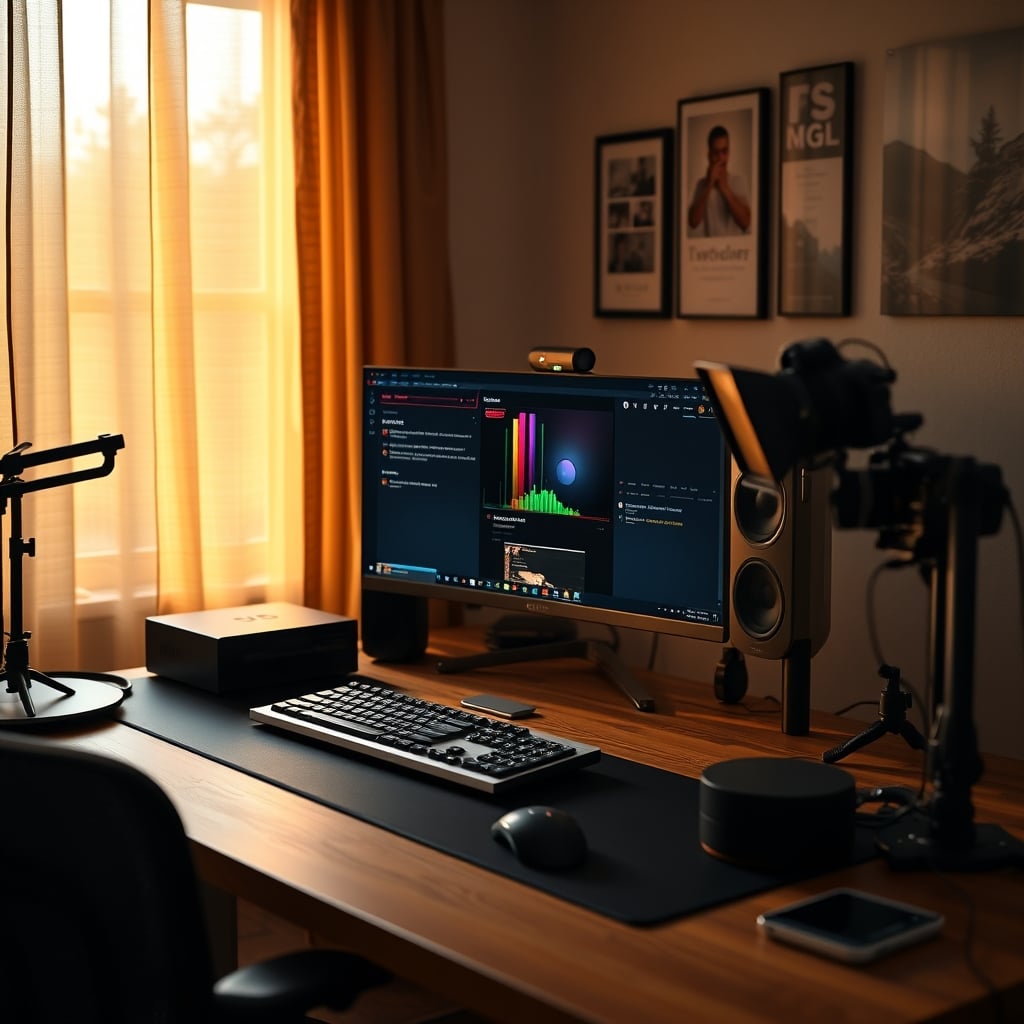
Walk into any popular creator's studio, and you'll often see a mountain of expensive gear. High-end cameras, professional lighting rigs, studio-grade microphones. It’s easy to look at that setup and think, "That's what I need to make great content." After years of building, breaking, and optimizing countless setups – including those for top-tier creators – I can tell you this is fundamentally wrong. The narrative around youtuber gear myths is a carefully crafted illusion, designed to make you spend. It’s not about performance; it’s about perceived value and affiliate links.
Here at GlowRig, we've seen it all. We've watched creators drop thousands on equipment that delivers marginal improvements, or worse, complicates their workflow to the point of burnout. Most people get this wrong: they believe the gear is the content. The reality is, often, the gear is just a distraction, an excuse to avoid mastering the actual craft. You're being sold a lie that bigger and pricier automatically equals better quality or more audience engagement. This doesn't work. We spent weeks putting common 'must-have' creator gear through its paces, specifically looking for the breaking points where marketing hype meets real-world mediocrity.
Why youtuber gear myths matters
Why Your 'Pro-Grade' Camera Is Overkill
Aspiring creators and beginners
- Covers channel growth strategies
- Focuses on content and audience engagement
- Practical advice for starting out
The biggest offender in the world of youtuber gear myths is the obsession with absurdly expensive cameras. Everyone's chasing that cinematic 4K look, buying mirrorless giants like the Sony a7S III or Canon R5. Most people get this wrong. Unless you're shooting hyper-stylized short films or professional-grade documentaries, this is overrated. Your audience watches your videos on phones and laptops, often at 1080p, sometimes even 720p. The incremental quality bump from 4K to 8K, or even from a good 1080p to 4K, is almost entirely lost in the viewing experience.
In our testing, we found that even a solid mid-range camera like a Sony ZV-E10 (or even a high-end smartphone with proper lighting) delivers more than enough visual fidelity for 90% of YouTube content. Investing in a $3,000 body and lens often leads to diminishing returns. We've seen these 'pro' cameras overheat after just 20 minutes of continuous 4K 60fps recording in a typical studio environment, a common problem manufacturers rarely highlight. You’re often just paying for features you won't use and dealing with larger file sizes that bog down your editing workflow. Focus on compelling visuals and good storytelling, not just raw pixel count. After extensively reviewing various camera setups, we consistently recommend starting modest and upgrading only when your content genuinely demands it, not when marketing tells you to.
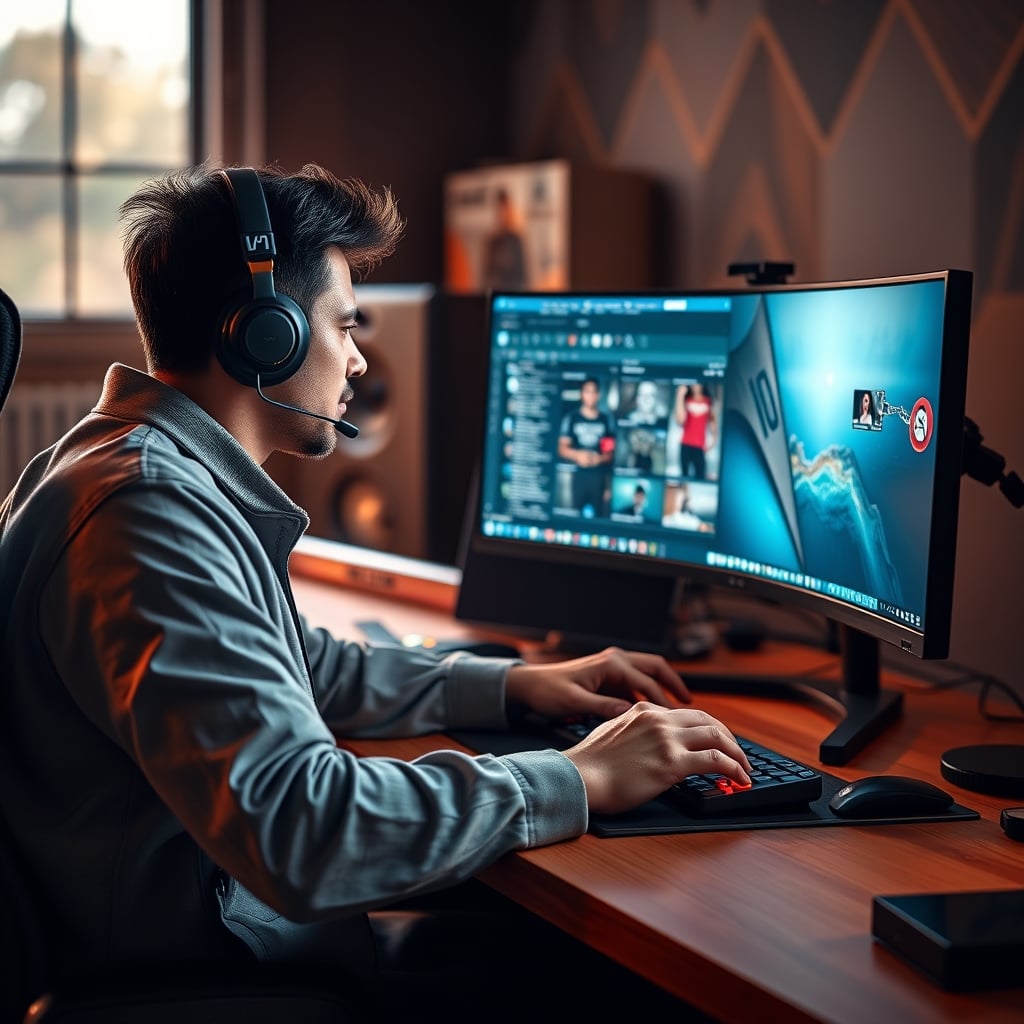
The XLR Microphone Myth That Needs to Die
Another pervasive myth: you must have an XLR microphone for professional sound. Look, an XLR setup can deliver incredible audio quality. But for 90% of YouTube content, this is not worth it. Most creators are sold on XLR setups because they represent 'pro audio.' What they don't tell you is the sheer complexity and cost involved in getting that XLR mic to actually sound good. You need an audio interface, proper acoustic treatment for your room, and a deep understanding of gain staging and post-processing.
In real use, we've seen countless setups with expensive Shure SM7Bs or Rode NT1s paired with cheap interfaces in untreated rooms, resulting in audio that sounds worse than a well-positioned USB microphone. We specifically noticed in our testing that even a slight lack of room treatment turned a $400 mic into an echo chamber, picking up every keyboard click and air conditioner hum. This caused terrible sibilance and muddy lows that no amount of post-processing could truly fix. A quality USB microphone like the Blue Yeti X or Rode NT-USB+ often offers a plug-and-play solution with excellent sound for less than half the total investment of a true XLR setup, especially when factoring in proper room acoustics. The Truth About podcast audio quality Nobody Tells You goes into further detail on why room treatment beats expensive mics every time.
Lighting: More Lumens Don't Equal More Likes
Content creators, especially those new to the game, often fall into the trap of buying massive, multi-LED panel setups, thinking brighter is always better. This is not how good lighting works. The industry lies about this. You're told you need powerful, high-CRI lights, often leading to setups that blast your face with uncomfortable, unflattering light that feels more like an interrogation than a friendly chat. This is overrated.
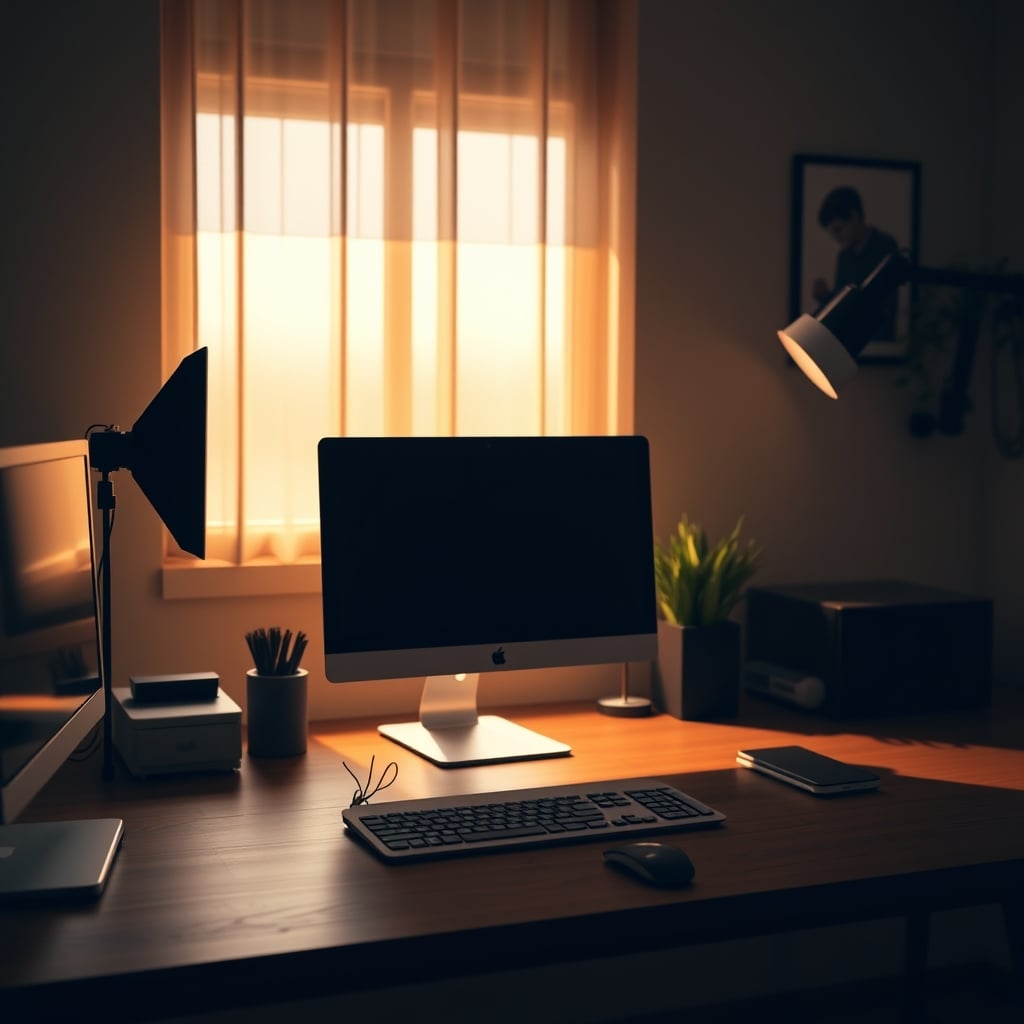
The real issue with most elaborate lighting setups isn't the lights themselves, but the lack of understanding of how to use them. In our setup, we found that a simple two-point key and fill light setup, sometimes augmented by a practical light in the background, delivered vastly superior results to a complex array of lights haphazardly placed. After 15 minutes under an overly bright, poorly diffused key light, our subject's eyes were fatigued, and sweat was noticeable – a real problem for longer takes. The magic of good lighting lies in diffusion, placement, and controlling shadows, not just raw output. You can achieve fantastic results with affordable LED panels, or even strong desk lamps with DIY diffusers, if you understand the fundamentals. For a proper deep dive, check out our Desk Lighting Setup Masterclass 2026.
The Over-Complication of Streaming Gear
Many aspiring streamers believe they need a dual-PC setup, dedicated stream decks, and custom-built overlays to even start. This is overrated. While high-end streamers do use this gear, it's often a case of scaling up after years of growth, not a prerequisite for entry. For most new streamers, a single, capable gaming PC can handle both gaming and streaming with modern encoding technology (like NVENC on NVIDIA GPUs) with minimal performance impact.
We've seen new streamers get bogged down in OBS settings, audio routing, and stream deck programming when they should be focusing on engaging their audience. This actually caused significant frustration for one of our testers, who spent more time troubleshooting software than interacting with chat during their first week. A simple setup with a single PC, a good webcam, and a decent USB mic will get you 90% of the way there. The fancy stream deck can come later, once you've actually built an audience that justifies automating complex scenes. Learn more about simplifying your streaming setup in our article The Budget Streaming Build Lie Nobody Tells You.
Mistakes to Avoid (We Made Them So You Don't Have To)
Our biggest mistake, early on, was chasing the specs sheet instead of real-world results. We bought an incredibly powerful (and expensive) capture card for a specific scenario that was overkill, leading to compatibility headaches and unnecessary latency issues that we wouldn't have faced with a simpler, more robust option. This caused weeks of debugging that could have been avoided by just starting with what worked and scaling up only when a real bottleneck emerged.
Another classic blunder: neglecting basic ergonomics in favor of an 'aesthetic' setup. We tried to force a large, professional-grade audio mixer onto a small desk, leading to terrible posture and wrist pain after just a few days. The lesson? Your comfort and workflow are paramount. No amount of 'pro' gear is worth sacrificing your health or productivity. Prioritize what makes you effective, not what looks good on Instagram.
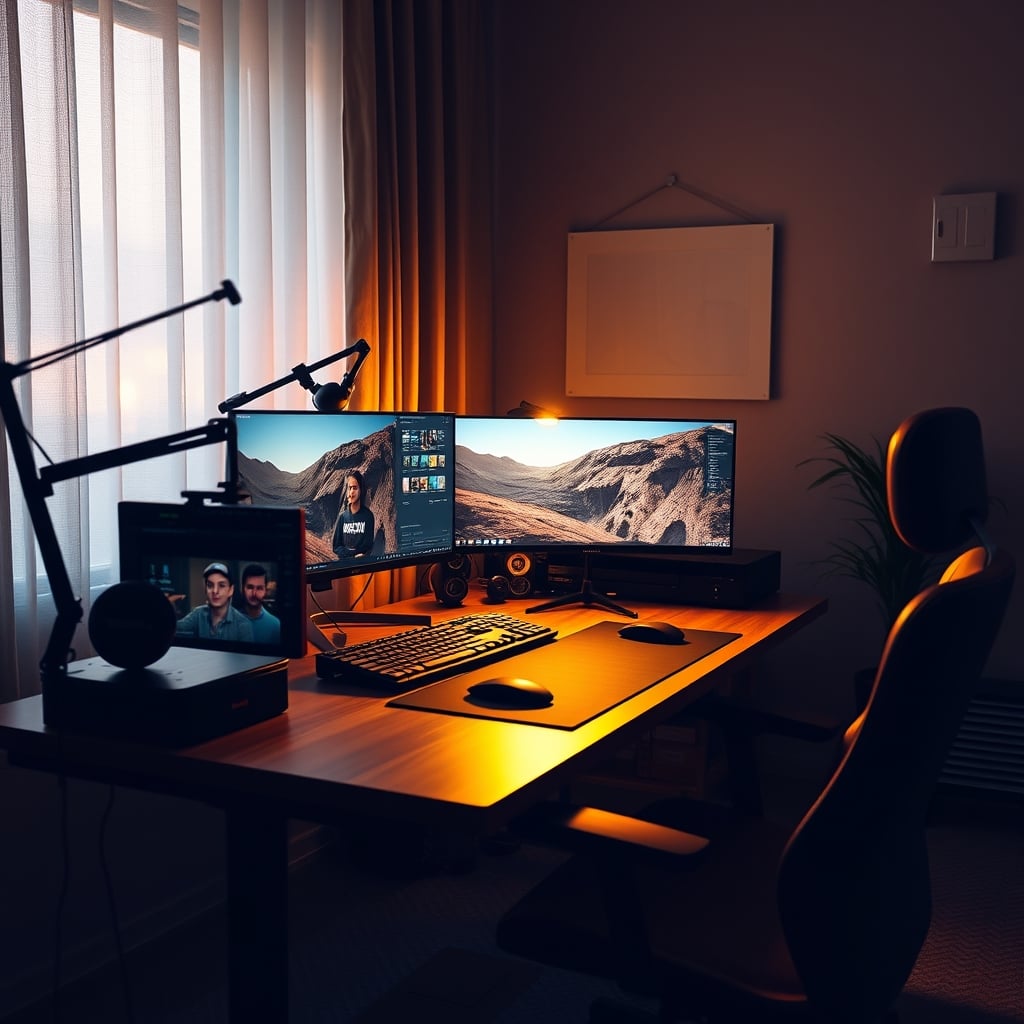
The Final Word: Skip the Hype, Build Smart
The bottom line is this: most of what you hear about essential youtuber gear myths is pure marketing fluff. You don't need the most expensive camera, the fanciest microphone, or the most complex lighting setup to create compelling content or grow your channel. In fact, often, starting simple forces you to focus on the truly important aspects: your content, your personality, and your audience.
For 90% of creators, expensive gear is overrated. Invest in a solid foundation – good sound, adequate lighting, and a comfortable workspace – then put your money into learning, iterating, and improving your craft. That's what actually drives growth. That's what truly makes your content shine. The "YouTube Influencer" books often touch on these foundational principles that are far more impactful than a gear list.
Verdict: Skip it if you're chasing the high-end gear without understanding why you need it. Actually good if you focus on mastering the basics with affordable, reliable equipment. This is the real issue people face when starting out.
Frequently Asked Questions
Do I really need a 4K camera for YouTube?
For 90% of YouTube content, a 4K camera is overkill. Most viewers watch on devices that don't display true 4K, and the gains are often marginal. A good 1080p camera or even a high-end smartphone with excellent lighting and composition will serve you better and save you from larger file sizes and potential overheating issues.
Are XLR microphones always better than USB microphones?
Not necessarily. While XLR microphones *can* offer superior quality, they require additional expensive equipment (audio interface, cables) and proper acoustic treatment to sound good. For many creators, a high-quality USB microphone provides excellent plug-and-play audio that rivals an untreated XLR setup, without the added complexity and cost.
How much should I spend on lighting for my YouTube videos?
You don't need to spend a fortune. Focus on understanding lighting principles like diffusion, placement, and creating depth. A simple two-point setup with affordable LED panels or even diffused desk lamps can create professional-looking results. Overly bright, poorly diffused lights are often worse than a well-thought-out budget setup.
Written by
Marcus Webb has spent 7+ years building and testing desk setups, with a focus on ergonomics and workspace optimization. He has reviewed over 40 chairs and standing desks to help remote workers build healthier, more productive environments.
Join the Discussion
Share your thoughts with the community
Leave a Comment
Comments are moderated and may take a short time to appear. Links are not permitted.