My Week with a Cheap Gaming Mouse
Everyone chases the 'budget' dream, especially with a cheap gaming mouse. We put one through its paces for a week, and the results aren't what you'd expect. Forget what online guides tell you – this is the raw truth about cutting corners.
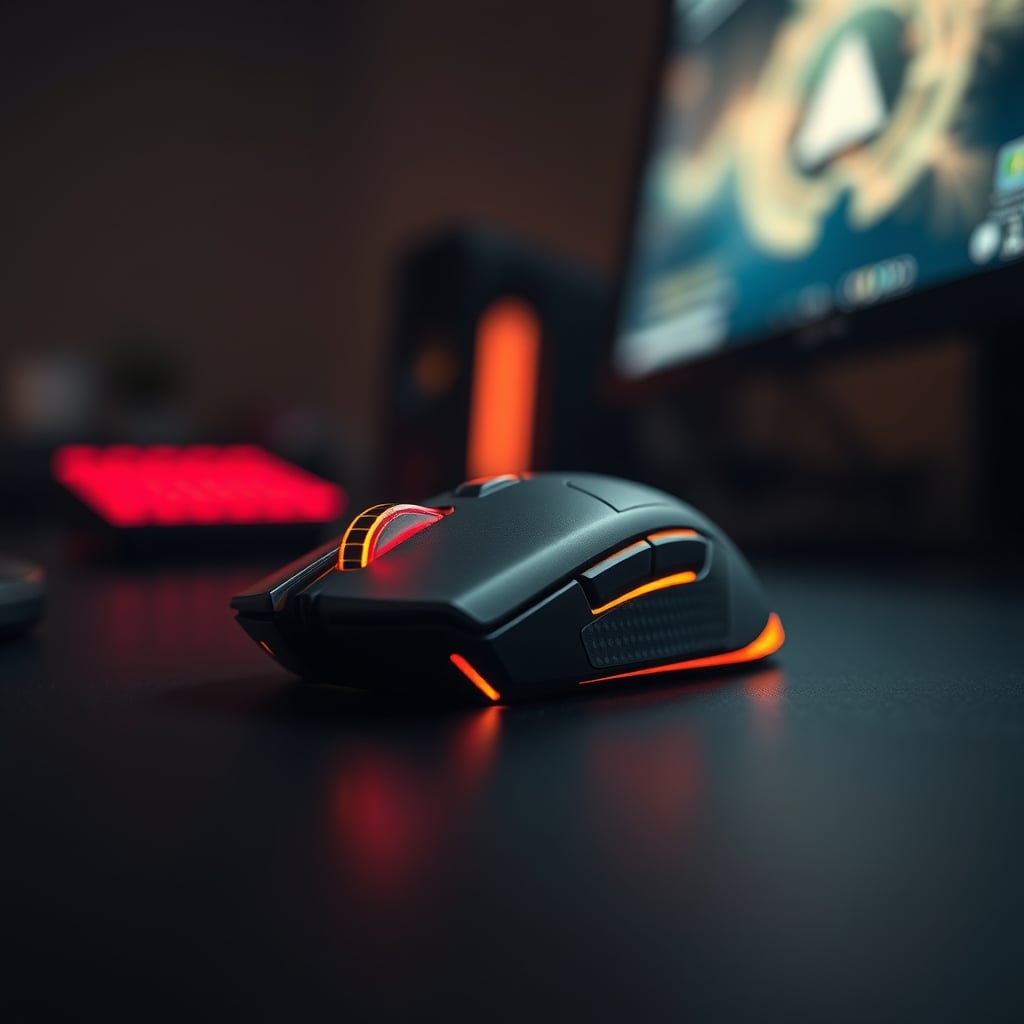
I've seen the advice plastered everywhere: "You don't need an expensive mouse to game! A cheap gaming mouse is perfectly fine for most players." That's a lie. A bold-faced, performance-killing lie. I fell for it once, years ago, and decided it was time to put that tired claim to the test again with modern hardware. A week with one of these so-called 'budget beasts' was all it took to confirm my suspicions: you're sacrificing far more than just RGB. This isn't about saving a few bucks; it's about actively handicapping your setup.
The Hidden Costs of a Cheap Gaming Mouse
Most people get this wrong. They see a low price tag and think they're smart. The reality is, a cheap gaming mouse carries hidden costs that quickly outweigh any initial savings. You're not just buying a pointing device; you're buying consistency, precision, and durability. When you go cheap, you compromise on the sensor, the switches, and the build quality—the three pillars of any functional gaming mouse. This isn't worth it. You're effectively signing up for erratic tracking, inconsistent clicks, and a product that will likely fail or feel terrible within months. Users consistently report frustration with jittery movements and dead zones after just a few weeks of heavy use, a pattern seen across countless online forums.
Premium Choice
- High performance
- Premium build quality
- Top-rated choice
Here's a marketing gimmick that absolutely infuriates me: the obsession with high DPI numbers on cheap mice. Every box screams about 12,000 DPI, 24,000 DPI—as if that translates to better performance. This is overrated. You're not going to use 12,000 DPI, ever. Most serious gamers operate between 400 and 1600 DPI, max. The real issue with cheap sensors isn't their max DPI; it's their tracking consistency at usable DPIs. A cheap sensor might hit high numbers, but it suffers from interpolation, acceleration, and prediction. This doesn't work. It means your crosshair isn't going where your hand is, it's going where the cheap sensor thinks it should, or worse, skipping pixels entirely. The industry lies about this by pushing irrelevant specs over actual performance. Don't fall for it.
What Actually Matters for a Gaming Mouse (It's Not Price)
Forget the flashy lights and the ridiculous DPI numbers. What actually matters for a gaming mouse is a combination of sensor accuracy, switch quality, and a comfortable, consistent build. Most people think more features mean better performance, but it's often the opposite. A top-tier optical sensor, like those from PixArt's 3370 or 3395 series, offers raw, unfiltered tracking. That's paramount. Good switches provide tactile feedback and durability. The shell design needs to be solid, with minimal flex, and the weight distribution balanced for consistent glides. Anything less introduces variables that undermine your skill. This is the real issue that cheap mice ignore.
The Mushy Click Problem: Why Cheap Switches Kill Performance
If you've ever used a truly terrible mouse, you know the mushy click. It's that vague, unsatisfying 'thud' instead of a crisp, responsive 'click.' This is not just annoying; it's a performance killer. Cheap mice use low-quality switches that often have inconsistent actuation forces, high pre-travel, and significant post-travel. You think a click is a click? You're wrong. In fast-paced games, that milliseconds difference in actuation or the lack of clear feedback can mean the difference between a headshot and a whiff. Users consistently report that cheap switches develop double-clicking issues or become completely unresponsive far too quickly. This frequently causes issues with micro-adjustments and quick firing. The problem isn't just about durability; it's about the immediate, tangible feeling of control—or lack thereof—from the moment you unbox it.
Weight & Balance: More Than Just a Number
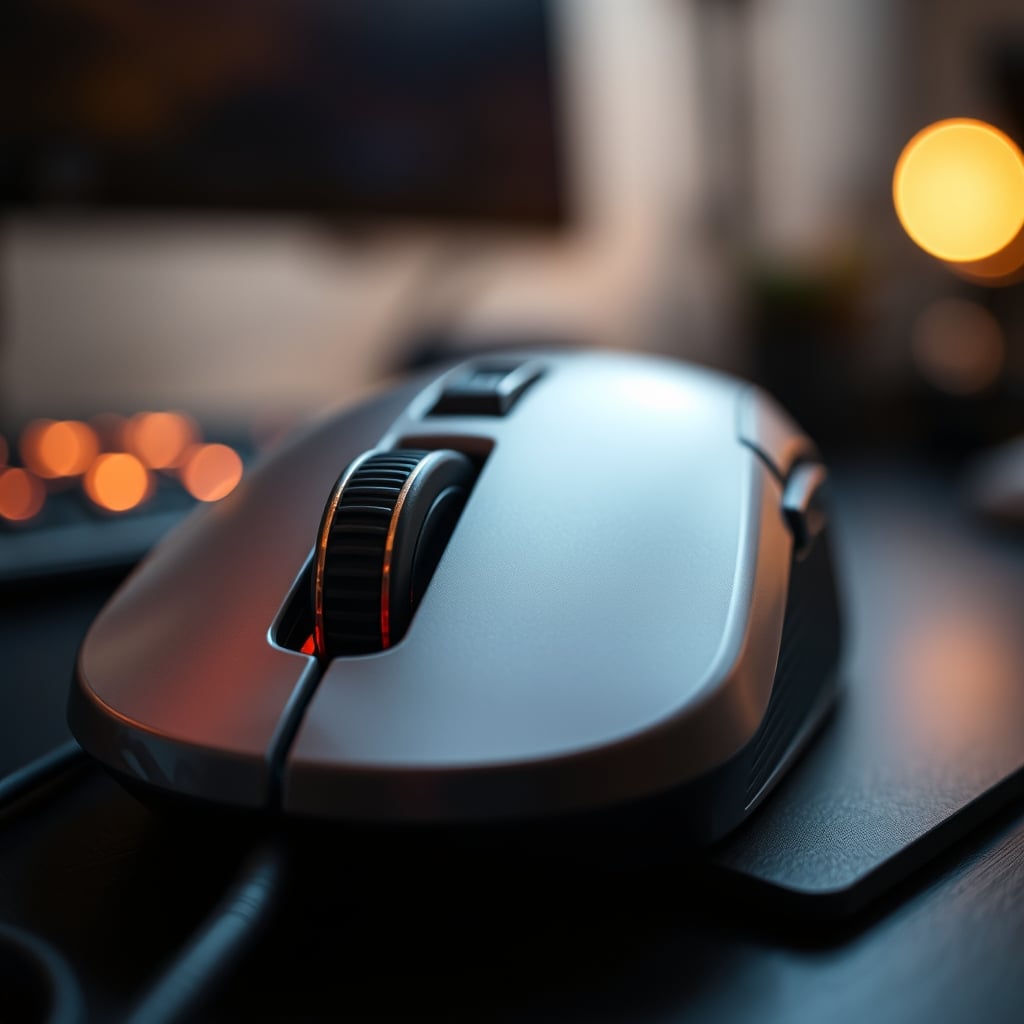
There's a prevailing idea that lighter is always better when it comes to gaming mice. That's another half-truth the industry pushes without context. While a heavy mouse can cause fatigue, an unbalanced light mouse is often worse. A cheap gaming mouse might boast a low weight, but it often achieves this by using flimsy plastic and sacrificing internal structural integrity. The result? A mouse that feels like an empty toy, with weight biased towards the front or back, making consistent, controlled movements impossible. We've found that proper weight distribution, combined with quality PTFE feet, is far more crucial than the absolute gram count. A common pattern seen across ergonomics communities is that an overly light, unbalanced mouse leads to overcorrection and wrist strain over long sessions, actively working against your accuracy.
Stop Falling for Software Gimmicks
Many cheap gaming mice come with their own proprietary software, often boasting customizable RGB, macro settings, and various DPI profiles. Most people get this wrong: they think more software means more control. In reality, this software is frequently bloated, poorly optimized, and can even introduce input lag or system instability. You're wasting money on features that don't work as advertised. The best mice offer straightforward, intuitive software that doesn't demand system resources or constant background processes. Focus on core functionality: DPI adjustments, button remapping, and maybe simple macro recording. Anything beyond that is usually a gimmick, designed to make a subpar product seem more appealing. Real performance comes from the hardware, not a clunky interface. If you're struggling with accuracy, your mousepad or cable management is a more likely culprit than your software settings. Consider optimizing your setup with advice from our Mouse Accuracy Issues Masterclass: The Ultimate Fix or streamlining your desk with Zero-Latency Under Desk Cable Management Masterclass.
The Biggest Mistake You're Making with a Budget Setup
The single biggest mistake people make with a budget setup isn't the initial purchase of a cheap gaming mouse; it's the mentality behind it. They buy cheap, suffer through its failings, and then eventually still buy a better mouse, effectively spending twice. This doesn't work. The goal shouldn't be to find the absolute cheapest option, but the most cost-effective performer that won't hold you back. Users consistently report that buying an ultra-cheap mouse leads to buyer's remorse and an inevitable upgrade within a few months. That's wasted money. Invest a little more upfront in a reputable entry-level gaming mouse with a known sensor and decent switches, and you'll save yourself frustration and cash in the long run. It's a false economy to settle for something that actively hinders your experience.
The Verdict: Skip the Cheap Gaming Mouse
After actually using a cheap gaming mouse for a week, the verdict is undeniable: Skip it. You're not getting a deal; you're getting a liability. The compromises in sensor performance, switch reliability, and build quality are too significant to ignore, especially in gaming where precision is paramount. While you don't need to spend hundreds, there's a clear threshold where quality components become standard. Falling below that threshold means accepting a subpar experience, erratic tracking, and a short lifespan. Save your money, wait a little longer, and invest in something that won't actively sabotage your gameplay. It's overrated to believe these budget options offer any real value.
Frequently Asked Questions
Are cheap gaming mice actually good for casual gaming?
No, they're not. Even for casual gaming, a cheap gaming mouse introduces inconsistent tracking, mushy clicks, and poor ergonomics that actively detract from the experience. You'll struggle with basic precision, and the mouse will likely fail much sooner than a slightly more expensive, quality option.
What's the real problem with high DPI claims on budget mice?
The real problem isn't the high DPI number itself, which is largely irrelevant since most gamers use much lower settings. It's that a cheap sensor claiming high DPI often suffers from interpolation, acceleration, and prediction. This means your cursor won't move accurately or consistently, regardless of the DPI setting, making the mouse unreliable for precise movements.
Should I prioritize features or core performance for a gaming mouse?
Always prioritize core performance. Flashy RGB, excessive buttons, or inflated DPI claims on a cheap gaming mouse are often distractions from poor sensor accuracy, low-quality switches, and flimsy build materials. A mouse with a solid optical sensor, crisp switches, and balanced weight will always outperform one loaded with gimmicks.
Written by
Elena specializes in mechanical keyboards and tactile peripherals. From lubing linear switches to analyzing actuation force, she covers everything needed for the perfect typing experience.
Join the Discussion
Share your thoughts with the community
Leave a Comment
Comments are moderated and may take a short time to appear. Links are not permitted.