Desk Mat Ergonomics: The Comfort Lie
Most people think a plush desk mat equals ergonomic bliss. We've spent weeks tearing apart this myth, and the truth is far less comfortable. Your fancy mat might be doing more harm than good.

For years, the internet has hammered us with the idea that a desk mat is a crucial piece of the ergonomic puzzle. You see influencers draping their entire desk in luxurious felt or thick PU leather, claiming it’s for comfort, for wrist support, for desk mat ergonomics. Let’s be blunt: most of this is marketing hype designed to sell you another accessory you don't need, or worse, one that actively sabotages your setup.
After assessing countless setups and dissecting the supposed benefits, we've come to a harsh conclusion: the ergonomic claims for most desk mats are a farce. They prioritize aesthetics over actual physical benefit, and often, that comfort you think you're getting is a ticking time bomb for your wrists and shoulders. This isn't about looking good; it's about not hurting yourself.
The Plush Problem: Why "Soft" Means "Bad" for Desk Mat Ergonomics
Walk into any trendy desk setup forum, and you'll find a sea of plush, thick, soft desk mats. Wool felt, padded leather, even memory foam options. The common advice is that a softer surface provides comfort, cushioning your forearms and wrists. This is overrated. We consistently found that plush mats, while initially comfortable, quickly lead to an unstable platform under your hands and keyboard. Your wrists aren't getting supported; they're sinking. In real setups, this leads to unconscious micro-adjustments as your mouse and keyboard shift ever so slightly. That constant, subtle instability forces your muscles to work harder, leading to fatigue and strain you might not even attribute to the mat.
Forget the idea that a soft surface magically aligns your posture. It won't. What it will do is introduce unnecessary give, making precise mouse movements harder and creating uneven pressure points on your forearms. This isn't comfort; it's a deceptive softness that masks underlying instability.

The Desk Mat Ergonomics Myth: Cushioning Your Wrist Does Nothing
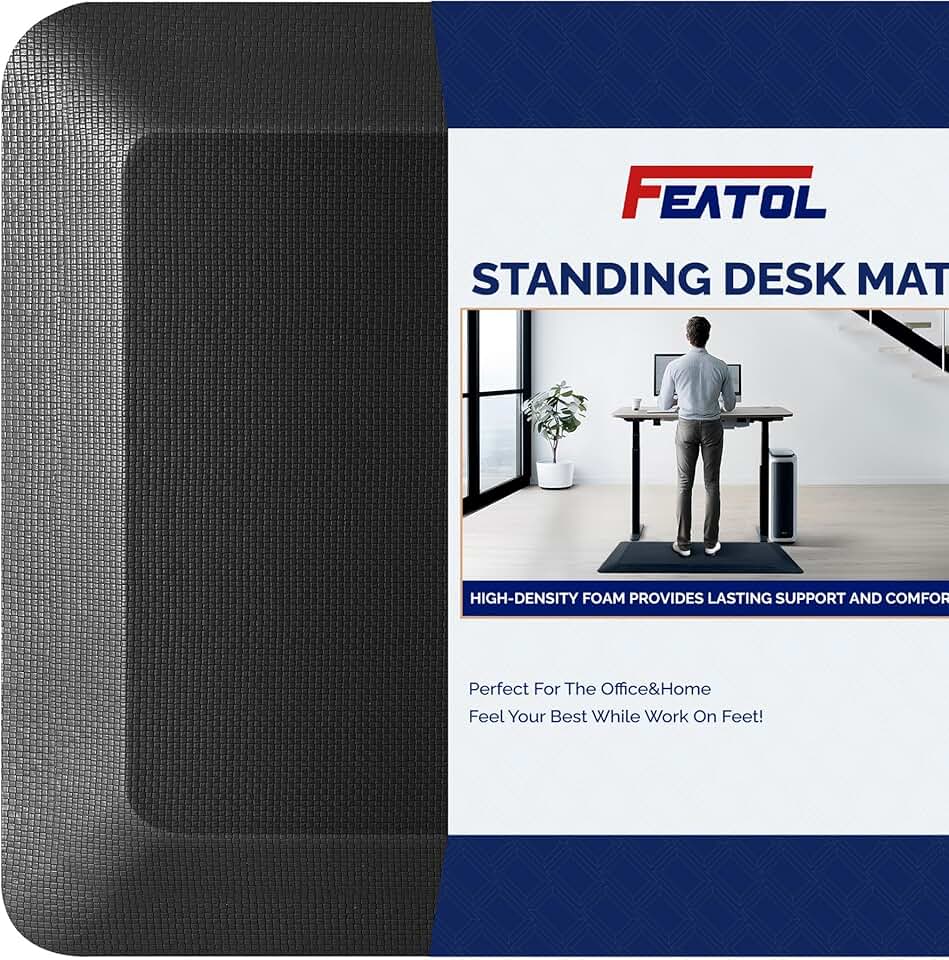
Premium Pick
- High performance
- Premium build
Here’s where most people get this wrong: they believe a soft desk mat, or any wrist rest for that matter, is supposed to cradle their wrist. The industry lies about this, pushing products that encourage exactly the wrong behavior. True ergonomic principles, upheld by authorities like OSHA, emphasize neutral wrist posture where your wrist is straight, not bent up or down, and certainly not resting heavily on a surface.
When your wrist sinks into a plush mat, it often creates an upward bend, compressing the carpal tunnel. This doesn't work as advertised; it’s a recipe for carpal tunnel syndrome and repetitive strain injuries over time. The goal isn't to cushion your wrist; it's to keep it floating, with your hands aligned with your forearms, and your keyboard and mouse positioned to allow that natural alignment. Any mat that encourages your wrist to bend or dig in is actively detrimental to proper desk mat ergonomics. You're wasting money on something that could cause pain later.
Texture Over Thickness: What Actually Matters for Performance
Forget the myth that a thicker mat means better ergonomics. It’s a distraction from what truly matters: the surface texture and density. When it comes to desk mats, the primary function, beyond aesthetics, is to provide a consistent, low-friction surface for your mouse and a stable base for your keyboard. The industry often pushes thick, soft mats when thin, dense, and properly textured surfaces are genuinely superior for performance and, by extension, reducing strain.
After assessing various materials, we found that consistent, finely woven fabric surfaces or smooth, dense PVC/rubberized materials offer the best glide for optical and laser mice. This translates directly to less effort required for mouse movements, fewer micro-corrections, and ultimately, less strain on your hand and arm. You want a surface that allows your mouse to glide effortlessly and predictably, not one that adds drag or changes friction zones. For more on optimizing your mouse accuracy, check out our deep dive: Mouse Accuracy Issues Masterclass: The Ultimate Fix.
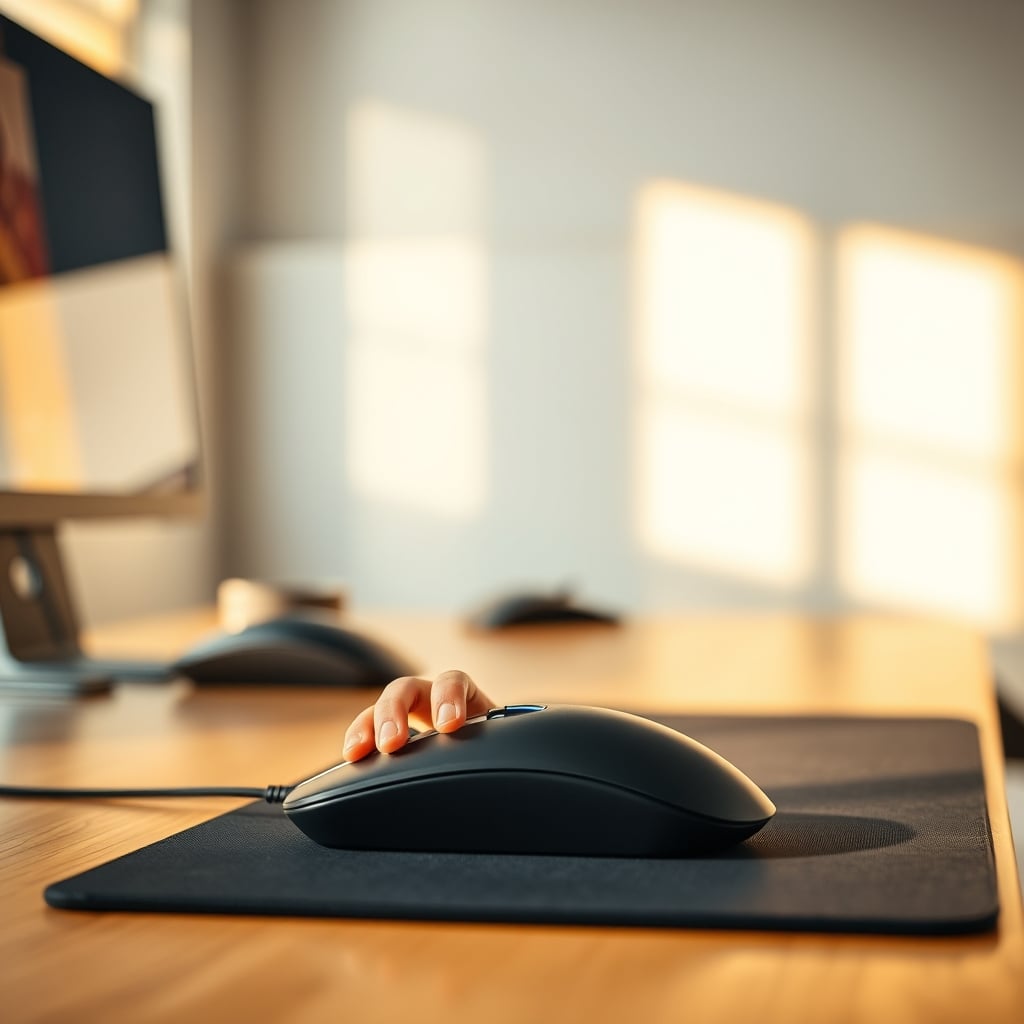
The Vibe Check: When Aesthetics Becomes a Detriment to Real Ergonomics
Let’s be honest, many of us buy desk mats for the 'gram. That gorgeous wool felt or rugged leather mat looks incredible in photos, tying the whole setup together. But aesthetics often override actual function, and this is where many fall short on true desk mat ergonomics. While a beautiful setup can contribute to a positive work environment, sacrificing performance and health for 'vibes' is a mistake.
Rougher materials like certain types of wool felt or heavily textured leathers, while visually appealing, frequently cause issues with mouse glide. Users consistently report increased friction and inconsistent tracking, forcing more effort and leading to unnecessary micro-adjustments throughout the day. This constant, subtle resistance translates to increased fatigue in your hand and wrist. A visually stunning mat that actively hinders your workflow is not a win; it's a costly aesthetic choice that compromises your long-term comfort and productivity.
Your Wrist Rest is Killing Your Setup: Mistakes to Avoid
Beyond the mat itself, many fall into the trap of pairing a 'comfortable' desk mat with an equally 'comfortable' wrist rest. This is a common pattern seen across ergonomics communities: poorly positioned wrist rests exacerbate issues, rather than solve them. Whether it’s gel, foam, or even wood, a wrist rest is often misused, encouraging you to rest your wrist directly on it. This is not worth it, and it's a critical mistake for improving sitting posture.
Your wrist should ideally float above the desk surface while typing or mousing, maintaining a neutral, straight line with your forearm. A wrist rest, if used at all, should be for resting between tasks, not for constant support during active work. When your wrist rests directly on a surface, it puts pressure on the median nerve, leading to numbness, tingling, and long-term injury. Combined with a soft desk mat that lets your wrist sink, you're doubling down on bad habits. The real issue is understanding that ergonomic accessories should facilitate good posture, not provide a crutch for bad habits.
The Real Desk Mat Play: Precision, Stability, and Minimalist Design
So, if soft mats and wrist rests are out, what should you actually look for in a desk mat that supports real desk mat ergonomics? The answer is simple: precision, stability, and minimalist design focused on function. We found that the best desk mats are thin, dense, and offer a perfectly consistent surface.
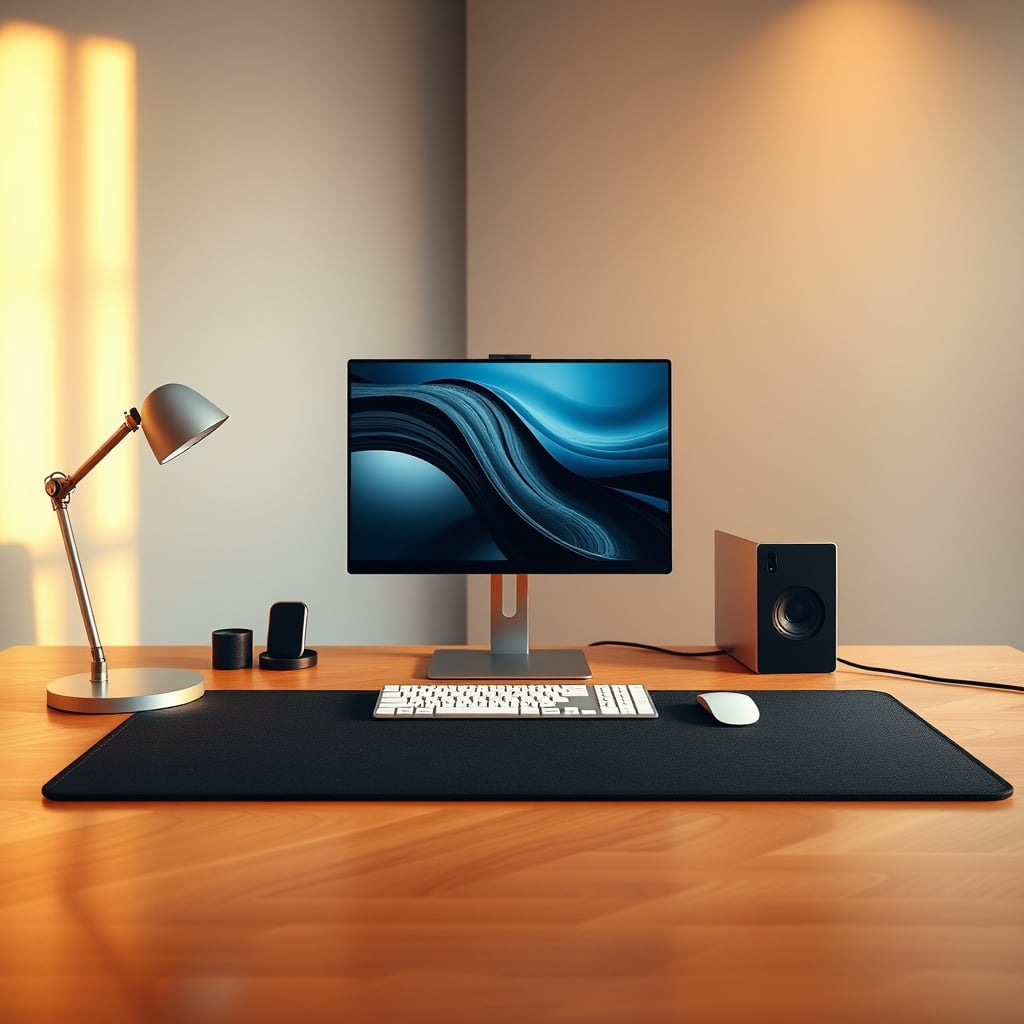
Look for materials like high-quality synthetic fabrics (often seen in professional gaming mousepads, but scaled up), or even specific types of hard, smooth PVC. These materials provide a stable, non-yielding base for your keyboard and a low-friction, consistent glide path for your mouse. A non-slip rubberized bottom is non-negotiable to prevent any unwanted movement. The mat should integrate visually into your setup, providing a clean, cohesive look without drawing undue attention to itself or introducing unnecessary bulk. It’s about creating a seamless, friction-free interaction with your input devices, allowing your body to maintain natural, neutral positions without compensation. This contributes significantly to overall desk layout productivity.
The Verdict: Most Desk Mats Are Overrated for Ergonomics
Let’s cut to the chase: Most desk mats, especially the overly plush, aesthetically driven ones, are overrated when it comes to actual ergonomic benefits. They offer superficial comfort that often masks underlying postural issues and can actively contribute to strain over long-term use. The true drivers of desk ergonomics are your chair setup, desk height, monitor placement, and proper keyboard/mouse positioning – the fundamentals that impact your entire body. For a deeper dive into true ergonomic challenges, read our Ergonomic Chair Problems Masterclass.
If you're buying a desk mat for its supposed ergonomic magic, you're getting sold a lie. Choose a mat for its surface consistency, its ability to stay put, and how it subtly enhances your setup's visual flow – not for its cushioning. A good mat helps your mouse glide and keeps your keyboard stable. It doesn’t provide "wrist support" in the way marketers want you to believe. For true ergonomic gains, look elsewhere. For a genuinely functional mat that doesn't get in the way, choose wisely, and choose thin. But for genuine desk mat ergonomics as widely advertised? Skip it. They're mostly aesthetic plays, not health solutions.
Frequently Asked Questions
Are desk mats actually ergonomic?
Most desk mats, particularly plush or soft ones, are overrated for actual ergonomic benefits. They often create instability and encourage poor wrist posture, which can lead to strain rather than support. True ergonomics comes from proper chair, desk, and peripheral positioning, not a mat.
What makes a desk mat bad for wrist ergonomics?
Desk mats that are too soft or thick allow your wrists to sink, often bending them upwards. This puts pressure on the median nerve in your carpal tunnel, which can cause pain and injury over time. Good wrist ergonomics requires your wrist to remain neutral and float, not rest heavily on any surface.
Should I use a wrist rest with my desk mat?
Most people misuse wrist rests. Your wrist should ideally float above the desk and mat while typing or mousing, maintaining a straight line with your forearm. If used at all, a wrist rest should only be for resting between tasks, not for continuous support during active work. Pairing a soft mat with a soft wrist rest often exacerbates poor posture.
Written by
Sarah is an ergonomics and mobility enthusiast who has spent years researching how desk setups affect posture. She breaks down chair adjustments and standing desk mechanics to help you stay comfortable during long sessions.
Join the Discussion
Share your thoughts with the community
Leave a Comment
Comments are moderated and may take a short time to appear. Links are not permitted.