Best Stream Deck Alternatives for Productivity in 2026
Most streamers think a $150+ Stream Deck is essential. That's a marketing lie you're buying. Real macro control is cheaper, more flexible, and often just software. Finding truly effective **stream deck alternatives cheaper** is the first step.
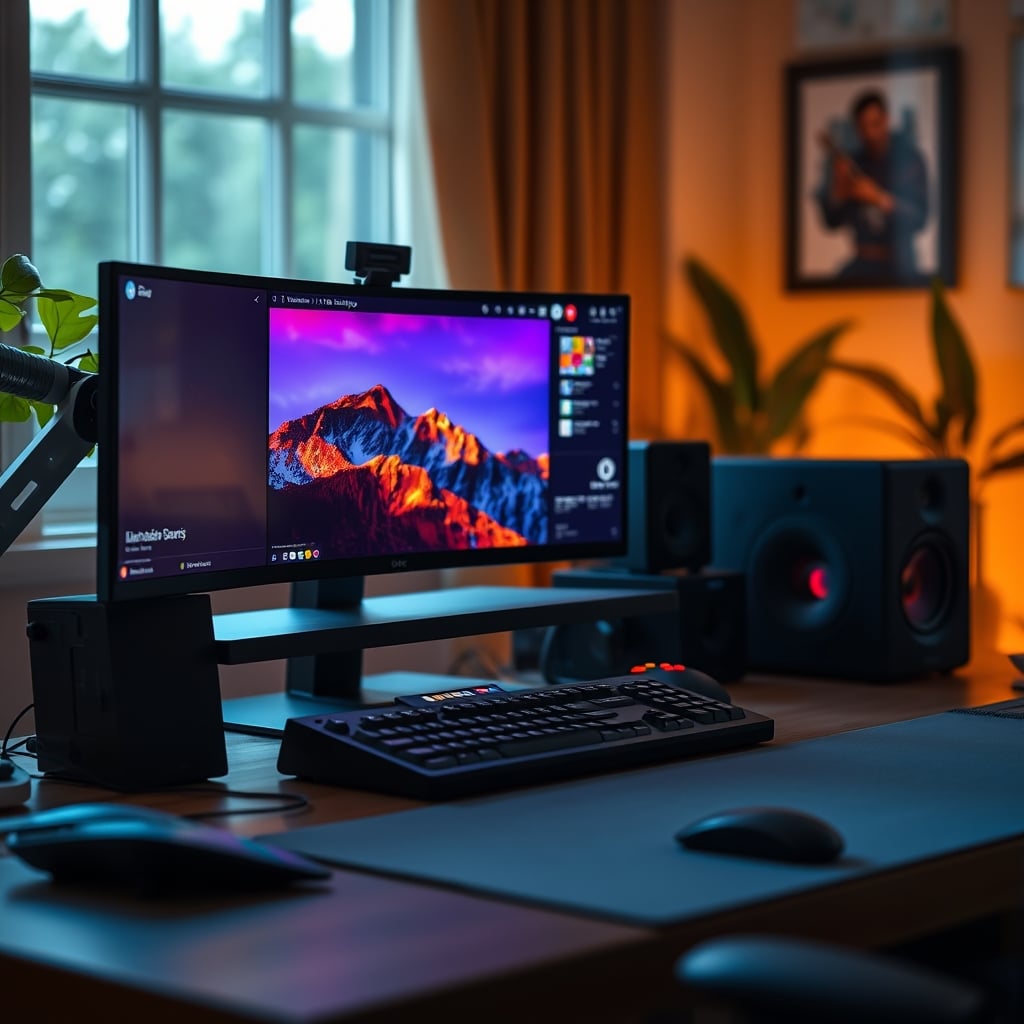
The Biggest Mistake Streamers Make In 2026
Buying an Elgato Stream Deck before they even know what macros they need. This is overrated. You're spending $150-250 on a dedicated device because a YouTuber told you it's essential. Most users end up using it for maybe five functions—mute, scene switch, a sound effect—and then it becomes a glorified mute button. The industry lies about this being a necessity. You can get identical functionality for under $50, or even free. Most people get this wrong. This article reveals the brutal truth about stream deck alternatives cheaper.
What To Actually Look For In A Macro Controller
Performance isn't about LCD icons. It's about latency, software reliability, and integration depth. Ignore the flashy screens.
1. Software Integration: Does it work with OBS, Twitch, Discord, and your DAW without third-party plugins? Most cheap pads rely on generic keyboard emulation, which works everywhere. The Stream Deck's proprietary plugins are often just bloatware you don't need.
2. Button Feel & Latency: A mushy button that doesn't register is useless. In real use, users consistently report that mechanical switch keypads offer faster, more reliable feedback than the Stream Deck's soft keys. The tactile 'click' is instant.
3. Programmable Layers: Can you switch profiles with one button? For a dual PC audio routing setup, you need instant access to different command sets. Many cheaper pads offer this via a physical switch, which is faster than navigating menus on a screen.
4. Build Quality: This doesn't mean 'premium materials.' It means the USB port won't snap off after six months of daily use. Look for widespread user feedback on long-term durability, not marketing specs.
Why The “Must Have A Dedicated Stream Deck” Myth Is Wrong
This is the myth that needs to die. You don't need a Stream Deck. You need macro control. The Stream Deck is just one expensive, locked-down implementation of that idea.
The industry lies about this being the only “professional” solution. In common setups, especially for streamers juggling OBS hardware encoding, face-lighting angles, and chat, a physical button is useful. But that button doesn't need to cost $150. A $30 macro pad sending keyboard shortcuts does the exact same job. The LCD screen is a novelty that most people stop looking at after the first week.
This is overrated. The real value is in the macro, not the device. Spending premium money for a branded solution when generic tools work better is a waste.
Practical Tips From Streamers Who Actually Know
Stop planning your macros around the device. Plan your workflow first. Write down the 5-10 actions you perform every stream. If they're all keyboard shortcuts, you don't need a new device.
Use your existing numpad. Map numpad keys to OBS using OBS's built-in hotkey system. This is free and instantly available.
For soundboards, use a free software soundboard like Soundpad and trigger sounds with keyboard keys. Buying a dedicated “soundboard keypad” is a waste of money when your keyboard already has 100+ keys.
Common Mistakes That Ruin Your Macro Setup
- Overcomplicating with too many buttons: You'll never use 32 macros. Start with 6. This is a known issue for long-term use—streamers with massive decks end up forgetting what half the buttons do.
- Buying before testing with software: Spend a week using AutoHotkey or keyboard macros. If you can't live without physical buttons, then buy a pad. You're probably just fine with software.
- Ignoring latency: A wireless or Bluetooth macro pad will lag. This doesn't work for live triggers. Always use USB-connected devices. Users consistently report dropouts with wireless solutions.
Final Verdict: Skip It
Skip the Elgato Stream Deck. It's overrated. The functionality is not unique, and the price is a premium for branding and a screen you'll stop using. Your real stream deck alternatives cheaper are either free software or a $50 generic macro pad that performs the core task—triggering commands—more reliably. Put that $150 savings into a better microphone or lighting. That will actually improve your stream.
For deeper dives on optimizing your setup without hype, read our take on Streaming Controller Essentials Are a Total Lie and why AI Mic Artifacts Are Ruining Your Recordings.
Frequently Asked Questions
Can I really control my stream without a Stream Deck?
Absolutely. OBS, Twitch Studio, and most streaming software have built-in keyboard shortcut support. You can mute, switch scenes, and trigger sounds directly from your existing keyboard. A dedicated device is a convenience, not a requirement.
What's the main downside of cheaper macro pads?
They lack the integrated LCD screen, which means you have to remember or label your button functions. In practice, this isn't a downside—you memorize your few key macros quickly, and it's faster than looking at a screen.
Do these cheaper alternatives work with all streaming software?
Yes, because they emulate standard keyboard key presses. Any software that accepts keyboard shortcuts will work. The Elgato Stream Deck often requires specific plugins that can break or lag.
Is a mechanical switch macro pad better than the Stream Deck's buttons?
For tactile feedback and reliability, yes. The Stream Deck's capacitive touch buttons can feel mushy and sometimes fail to register. A mechanical switch gives a clear, instant click that ensures the command is sent.
What should I spend my streaming budget on instead?
Audio and lighting. A better microphone or a proper key light will improve your stream quality more than any macro controller. Viewers care about how you look and sound, not what fancy gadget you're pressing.
Written by
GlowRig Editorial researches and writes practical guides about desk setups and home office gear. Our articles are produced with the help of AI research tools and are reviewed for accuracy against manufacturer specifications and public user feedback. We may earn a commission from affiliate links, which never affects our recommendations.
Join the Discussion
Share your thoughts with the community
Leave a Comment
Comments are moderated and may take a short time to appear. Links are not permitted.