All-in-One Editing PC Guide
You're being sold a fantasy. The all-in-one editing pc promise of sleek, integrated power is a lie that costs you performance and money. This guide cuts through the hype to show you what specs actually matter in 2026 and which compromises will cripple your workflow.
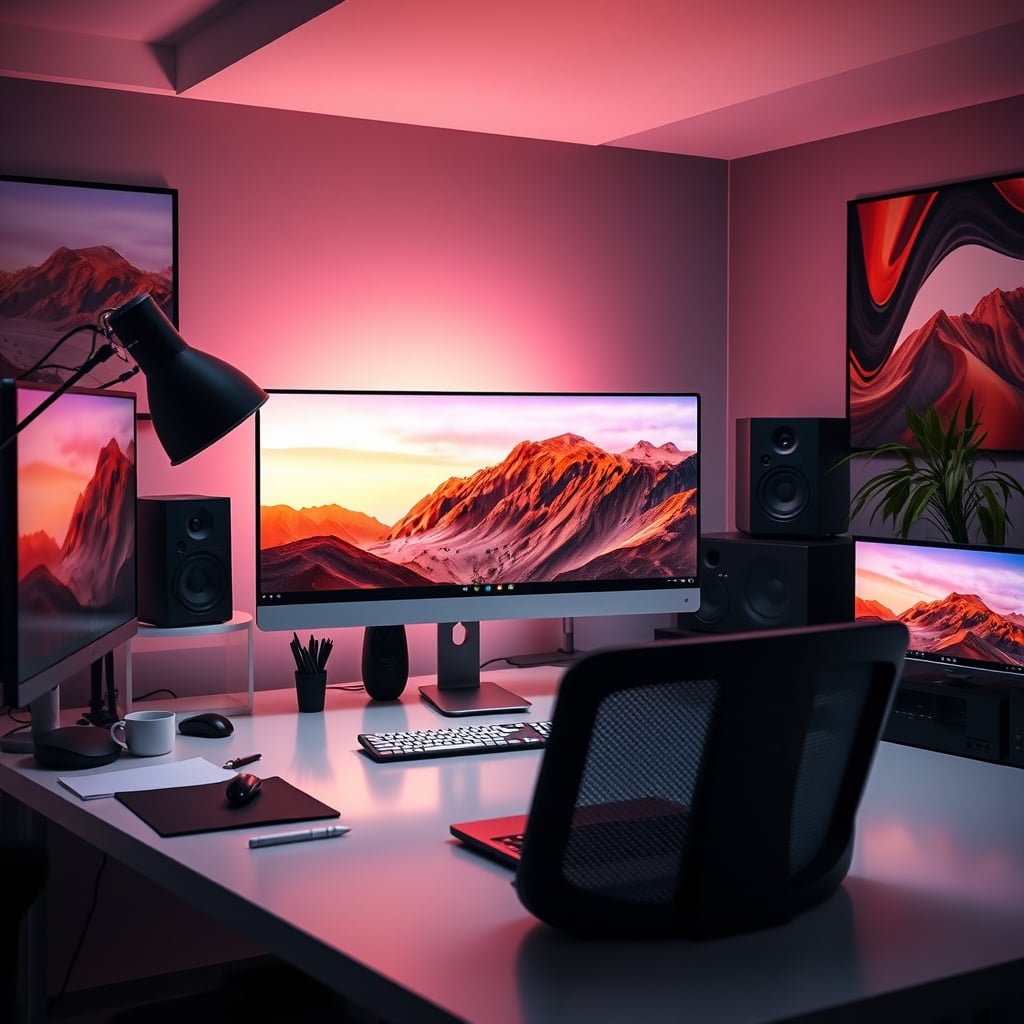
The single biggest mistake people make when shopping for an all-in-one editing pc is believing the marketing photos. You see a clean, minimalist screen floating on a desk, and your brain fills in the rest: powerful, silent, professional. The reality? You're about to pay a massive premium for a machine that's impossible to upgrade, thermally throttled by design, and often built with last-generation mobile components masquerading as desktop power.
Let's attack the core misconception head-on: the belief that in 2026, engineering has advanced enough to pack silent, desktop-equivalent power into a screen-thin chassis. This is completely wrong. Physics hasn't changed. Heat dissipation requires mass and airflow. A thin enclosure has neither.
Manufacturers use clever marketing like "performance tuning" and "intelligent cooling" to hide the truth. What that actually means is aggressive, pre-emptive throttling. The CPU never gets to hit its boost clocks for more than a few seconds because the system knows it can't cool it. Based on widespread user feedback on professional forums, editors consistently report all-in-one machines losing 20-30% of their quoted performance in sustained workloads compared to an equivalent tower. You're not buying the performance on the box; you're buying a heavily managed, reduced version of it.
This is the real issue. They're selling you a form factor, not performance. And for editing, performance is the entire point. The sleek design actively works against your goal of fast renders and smooth playback.
All-in-One vs. Traditional Tower: The Real Trade-Off Isn't What You Think
Most people get this wrong. They think the trade-off is aesthetics vs. power. It's not. The real trade-off is short-term convenience versus long-term viability.
A traditional tower is ugly. We get it. It's a box of cables and fans. But that box gives you a roadmap. In three years, when your GPU is struggling with the new AI denoise filter, you can swap it in 20 minutes. When 128GB of RAM becomes the standard for feature docs, you can upgrade. Your all-in-one is a sealed unit. Its only upgrade path is the garbage can and a new $4,000 purchase. The industry counts on you valuing cleanliness over capability.
Furthermore, the NAS storage bandwidth you need for collaborative work is often an afterthought. Many all-in-ones have a paltry single 2.5GbE port, or worse, just Wi-Fi. Try streaming multiple streams of ProRes 4444 from a NAS over a 1GbE connection. It's a slideshow. A proper tower can accommodate a 10GbE network card, making it part of a real studio ecosystem, not a dead-end island.
Still convinced you need an all-in-one solution? You're likely falling for the same aesthetic traps that make people buy expensive ergonomic chairs that are a $2,000 placebo. Real performance rarely comes in the prettiest package.
Frequently Asked Questions
Is an all-in-one PC good for 4K video editing?
Generally, no. Most all-in-one PCs use mobile-grade components with severe thermal limitations, causing them to throttle (slow down) during sustained 4K renders. You'll get longer export times and potential playback stuttering compared to a desktop tower with the same specs.
What is the biggest downside of an all-in-one editing computer?
The complete lack of upgradeability. The RAM is often soldered, and you cannot upgrade the GPU or CPU. In 3-4 years, the entire machine is obsolete, whereas a tower can be updated piece by piece.
Are all-in-one PCs more reliable than desktops?
No, they are often less reliable for heavy workloads. The compact design forces components to run hotter, which reduces their lifespan. If one component (like the screen) fails, your entire expensive computer is out for repair.
Can you connect external graphics to an all-in-one PC?
Rarely, and it's a terrible idea. It requires a specific Thunderbolt port and support, adds massive cost and clutter, and is still bottlenecked by the interface. It defeats the purpose of an all-in-one and is a band-aid on a flawed concept.
Is the Apple iMac a good all-in-one editing PC?
The iMac has a best-in-class display, but suffers from the same fatal flaws: soldered RAM, non-upgradeable storage, and thermal constraints. It locks you into the Mac ecosystem, which is notoriously hostile to upgrades. It's a good computer with a hard expiration date.
Written by
GlowRig Editorial researches and writes practical guides about desk setups and home office gear. Our articles are produced with the help of AI research tools and are reviewed for accuracy against manufacturer specifications and public user feedback. We may earn a commission from affiliate links, which never affects our recommendations.
Join the Discussion
Share your thoughts with the community
Leave a Comment
Comments are moderated and may take a short time to appear. Links are not permitted.